When Do I Need This?
If your website connects to a third-party API that requires IP whitelisting (like a payment gateway, domain registrar, or external service), you need to know which IP address our server uses for outbound connections.
Server IPs
| Type | IP Address | When to Use |
|---|---|---|
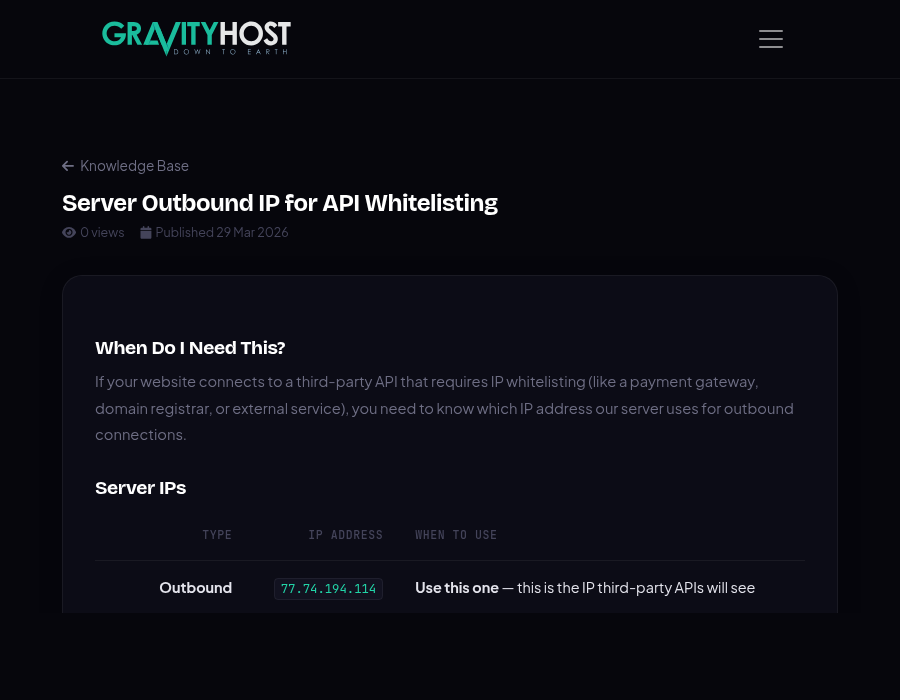
| Outbound | 77.74.194.114 | Use this one — this is the IP third-party APIs will see |
| Server (inbound) | 94.136.40.116 | For DNS A records pointing to your site |
| cPanel/WHM | 185.139.7.225 | Management interface |
Which IP Should I Whitelist?
Always use 77.74.194.114 when a third-party service asks you to whitelist an IP for API access. This is the IP that outbound HTTP requests from your hosting account use.
The server’s inbound IP (94.136.40.116) is different from the outbound IP — this is normal for shared hosting environments.
How to Test
You can verify the outbound IP from your hosting account by creating a simple PHP file:
<?php echo file_get_contents('https://api.ipify.org');Upload it to your site and visit it in your browser — it should show 77.74.194.114.
Important Note
The outbound IP is shared infrastructure and could change if the hosting provider makes infrastructure updates. If your API connections suddenly stop working, re-check the outbound IP using the method above.