
If you've forgotten your Gravity Host password, you can reset it easily. Here's how:
Option 1: Reset via Email
- Go to gravityhost.co.uk/account
- Below the Sign In button, click Forgot password?
- Enter the email address linked to your Gravity Host account
- Check your inbox for a password reset email and click the link
- Choose a new password and save
Option 2: Magic Link (No Password Needed)
On the sign-in page, click Send magic link. We'll email you a one-click login link — no password required. This is useful if you just want to get in quickly.
If You Don't Remember Your Email Address
If you're not sure which email is linked to your account, contact support. We'll need to verify your identity with your name, address, and the domains or services on your account.
Accessing cPanel Separately
Your cPanel password is separate from your client area password. If you need to reset your cPanel password, log in to your client area first, then click cPanel on your dashboard — this creates an automatic login session without needing the cPanel password.
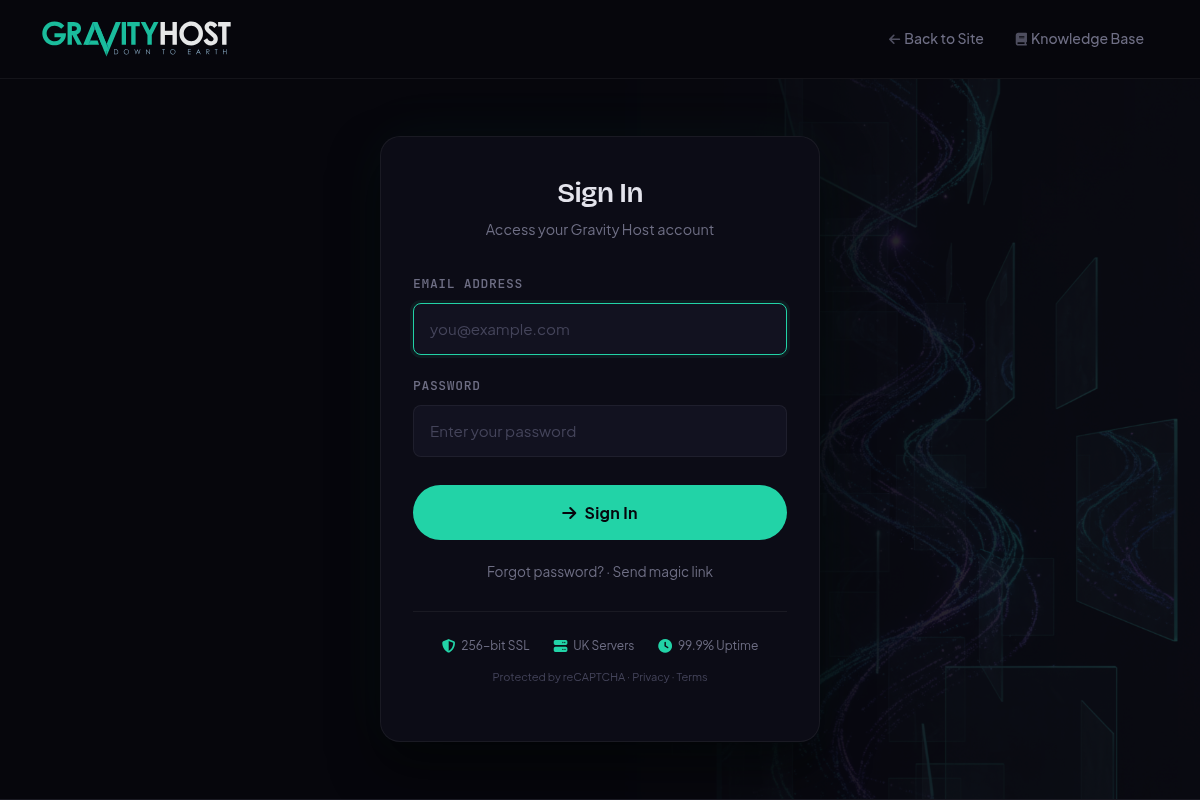
The sign-in page with Forgot password and magic link options