Moving Your Site
Switching hosting providers is easier than you think.
Option 1: We Handle It
Open a support ticket with your old hosting details and we'll migrate everything for you — website files, databases, and email accounts.
Option 2: cPanel Transfer (Recommended if your old host uses cPanel)
- Ask your old host for a full cPanel backup
- Open a support ticket with the backup download link
- We'll restore it to your Gravity Host account
Option 3: Manual Migration
- Download your website files from your old host via FTP
- Export your databases from your old host's phpMyAdmin
- Upload files to
public_htmlin your new cPanel - Import databases in your new phpMyAdmin
- Update your database connection settings (e.g. wp-config.php)
DNS Update
Once everything is migrated, update your domain's nameservers:
ns1.gravityhost.co.ukns2.gravityhost.co.uk
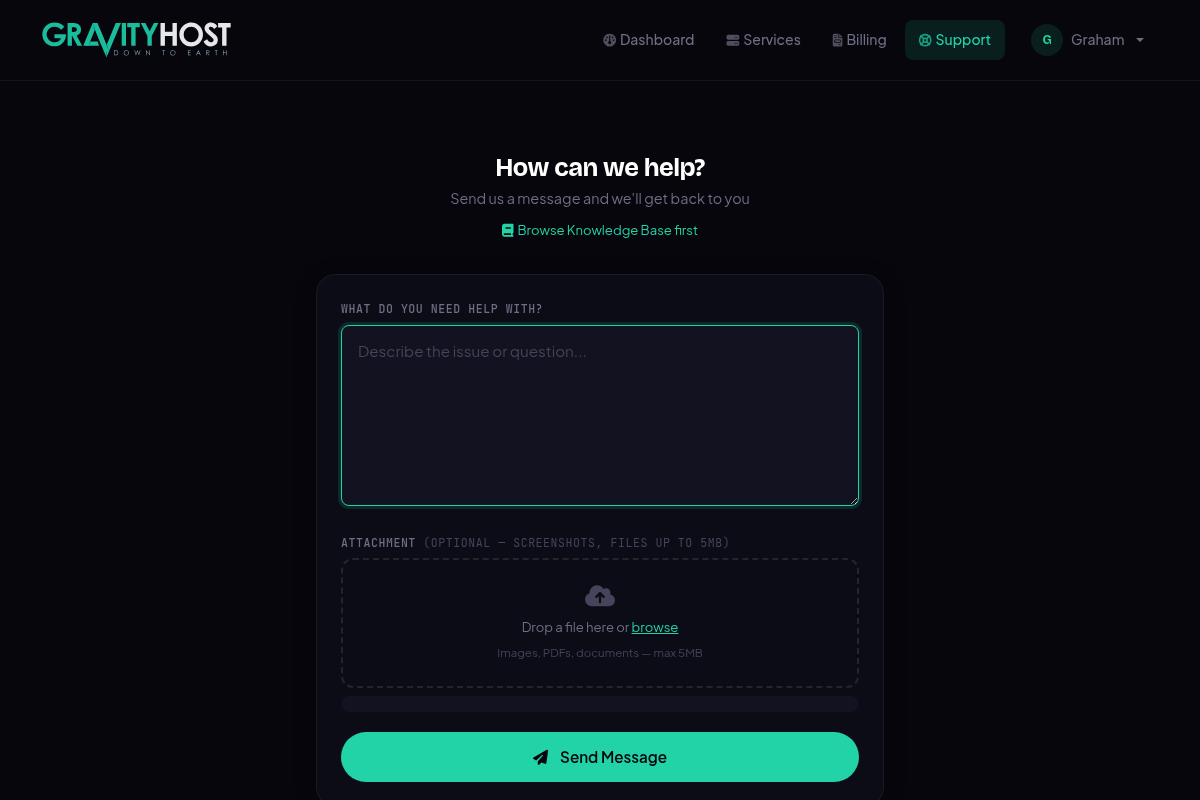
Open a support ticket to request a free website migration