
When Do I Need to Change Nameservers?
If your domain is registered with another provider (like GoDaddy, Namecheap, or 123-reg) and you want it to use your hosting with us, you need to point the domain's nameservers to us.
Gravity Host Nameservers
| NS1 | ns1.gravityhost.co.uk |
| NS2 | ns2.gravityhost.co.uk |
How to Update Nameservers
- Log in to your domain registrar (where you bought the domain)
- Find DNS settings, Nameservers, or Domain Management
- Replace the existing nameservers with the two above
- Save the changes
Important: Nameserver changes can take up to 24-48 hours to propagate worldwide, though most changes take effect within a few hours.
How to Check if It Worked
After updating, you can check propagation at whatsmydns.net by entering your domain and selecting NS record type.
Already Registered with Gravity Host?
If your domain is registered through Gravity Host, nameservers are already configured correctly. No action needed!
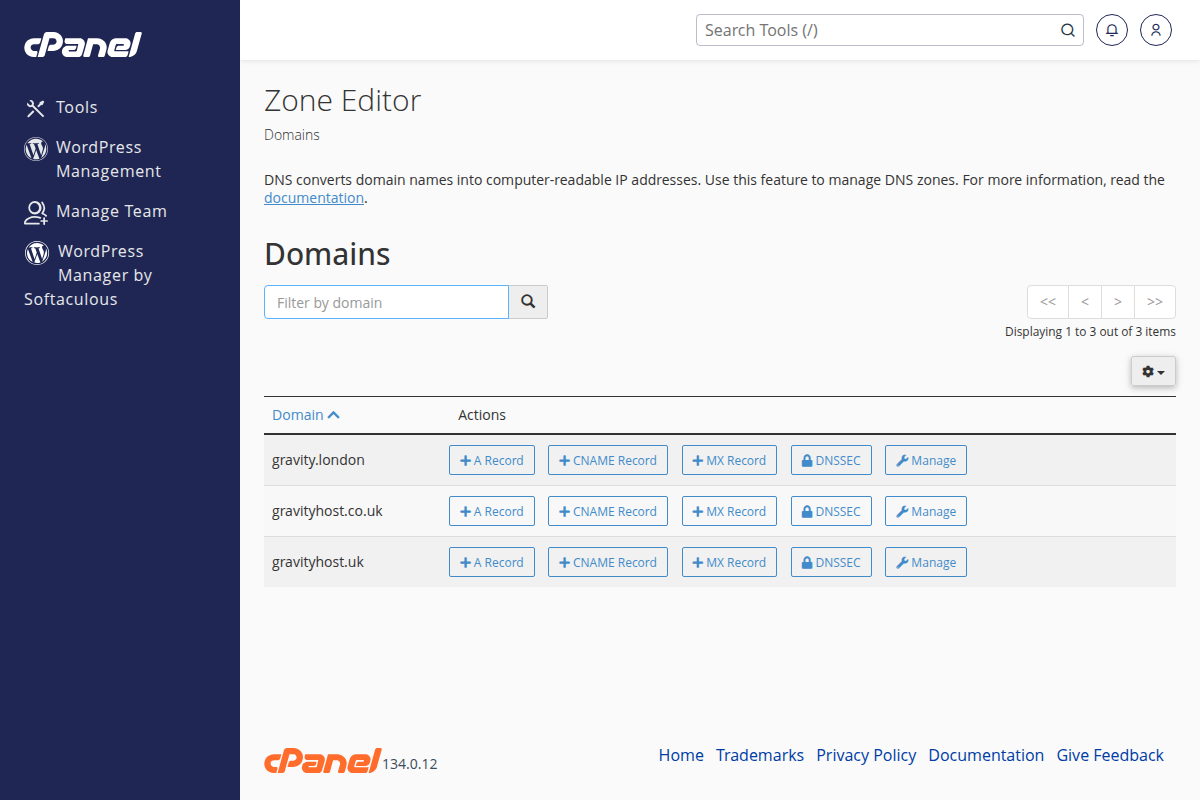
The Zone Editor in cPanel — for advanced DNS record management after nameservers are pointed