Just bought web hosting? How to check it is real and sign in for the first time
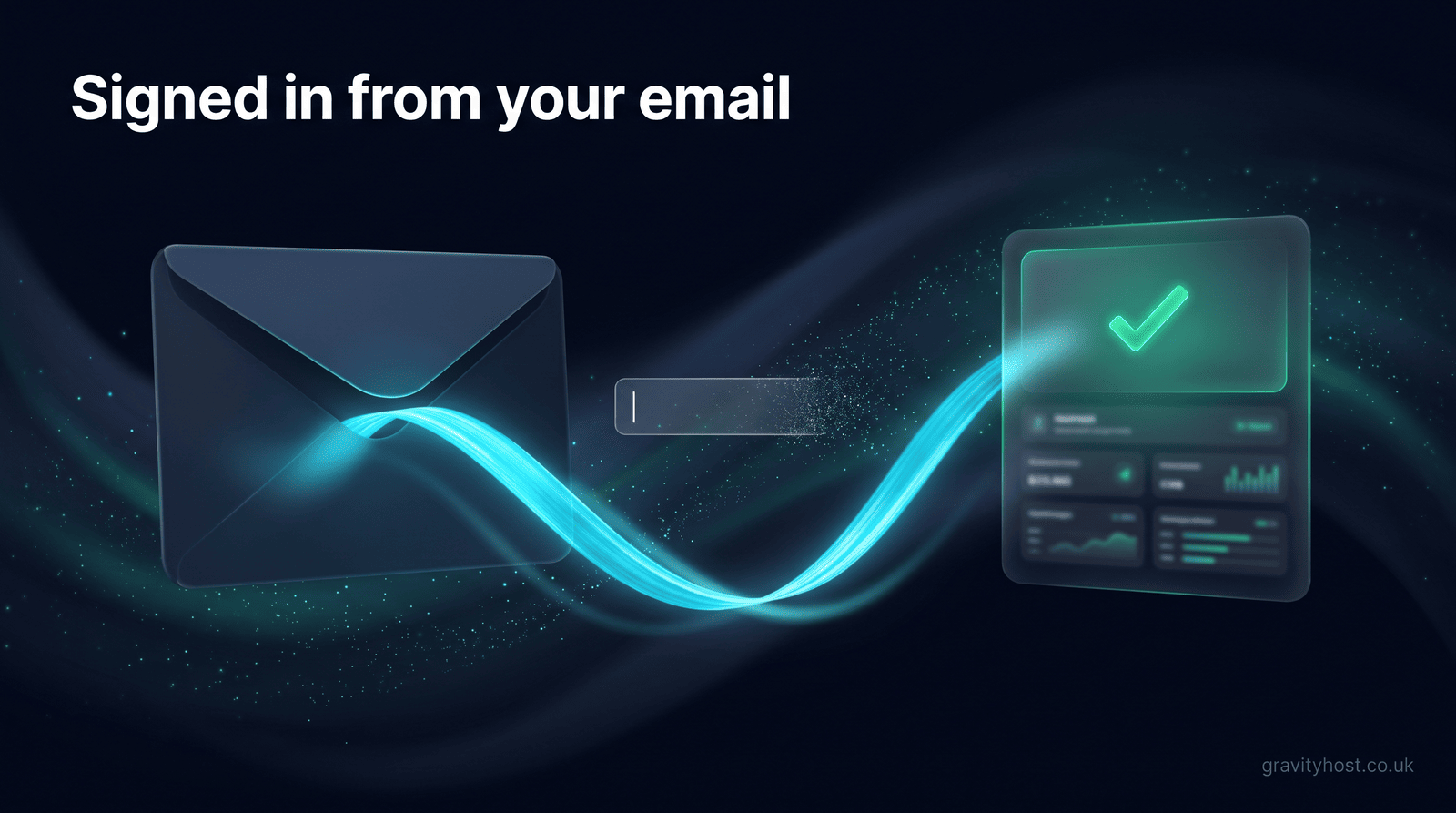
You can check a new web hosting purchase in a few minutes using four things: the payment record at your bank, the welcome email, the sign-in link inside it, and the account page it opens. Where the account is created automatically at payment, as it is at Gravity Host, your first sign-in needs no password at all.
A situation that comes up: someone buys hosting, goes straight to the sign-in page and finds a password box with nothing to put in it. Within the hour they are writing to support, worried they have been ripped off. They had not been. Their account existed and worked, but it had no password yet, and the welcome email at the time told them to log in without saying how. Gravity Host rewrote that email. The question behind the message still deserves a proper answer, because anyone who has just paid a company they found online is entitled to ask it: how can I see for myself that this is real?
What proves a hosting purchase went through?
Four checks settle whether the purchase went through, and a fifth tells you who you bought from. None of them needs any technical knowledge, so work down the table in order.
| Check | Where to look | What it tells you |
|---|---|---|
| The payment | Your banking app or card statement | How much was taken and when |
| The welcome email | The inbox of the address you typed at checkout, then its spam or junk folder | An account was created, and under which address |
| The sign-in link | The button inside that email | You can reach the account without a password |
| The account page | The page that link opens | Your hosting plan is there, with its controls |
| The company | The website footer, then the free Companies House register | A registered company stands behind the name |
The last row works for any UK limited company. Gravity Host is a product of GK Tools, company number 16434833, and typing that number into the Companies House search shows the record without taking anyone's word for it.
How do you sign in when you were never given a password?
Your email address does the job of the password. A sign-in link proves you control the inbox, which is what a password would have been checking anyway. At Gravity Host, the steps go like this:
- Search your mailbox for "Gravity Host" and open the welcome email, which comes from support@gravityhost.co.uk.
- Press the sign-in button. You land in your account straight away, with nothing to type.
- If the link has run out, the page offers to email you a fresh one in one click. A welcome link lasts 24 hours and works once.
- If you cannot find the email at all, open the Gravity Host sign-in link page, enter the address you used at checkout and ask for a magic link. That link lasts 15 minutes.
On the normal sign-in page the option reads "Forgot password? Send magic link". You did not forget anything, since you never had a password, but that is still the right one to press.
Why would a new hosting account have no password?
Automatic set-up runs at the moment of payment, while you are still looking at the checkout page. Nobody is there to choose a password, and emailing one out would leave a working credential sitting in a mailbox for good. A one-time link is the tidier arrangement. Each link works once and then expires.
A password remains available if you prefer one. Once signed in, go to your account settings, find the "Set a password" section and press "Email me a confirmation link". After that, both routes work: your email address and password, or an emailed link.
Which inbox did the sign-in email go to?
The sign-in email goes to whichever address was typed at checkout, and this catches out a particular group of people: anyone whose hosting was bought for them. A partner, a bookkeeper or the friend building the website may have done the paying, in which case the welcome email is in their inbox and the business owner has nothing in theirs. The account is fine. It is under someone else's address.
Ask the person who paid to look for the email and sign in. Changing the address on an account goes through Gravity Host support, so the owner's own email can become the one that receives sign-in links and renewal notices. Doing this early pays off, because a domain and hosting account are much easier to run from an address the business controls. A one-letter typo at checkout has the same symptoms and the same cure: write to support from the address you meant to use, and give the date and amount of the payment.
What should you see once you are signed in?
A working account page lists your hosting with buttons for cPanel, email, domains and DNS. The Gravity Host demo account shows that layout with no sign-in needed, so you can compare what you have against what it should look like.
Your website itself may look unchanged at this stage, and that is normal. New hosting starts empty. A domain you already own keeps pointing at wherever it pointed before until you change its settings, so the old site, or a blank page, is what visitors will still see. The plain-English guide to cPanel covers the next step, which is usually setting up a mailbox or installing WordPress in one click.
Frequently asked questions
Why can I not log in straight after buying web hosting?
The most likely reason is that the account has no password yet. Automatic set-up creates the account at the moment of payment, so there is no password to type into the sign-in box. Use the sign-in link in your welcome email, or ask for a new link from the sign-in page using the email address you gave at checkout. If neither works, the address may be different from the one you expected, so check any other mailboxes you use and ask anyone who paid on your behalf.
Do I need a password for my first Gravity Host sign-in?
No. A new Gravity Host account is created when you pay and starts with no password. The welcome email has a sign-in button that takes you straight into your account. If you would like a password afterwards, sign in, go to your account settings and use the "Set a password" section, which emails you a confirmation link first. Once it is set, you can use either your password or an emailed link each time.
How long does the Gravity Host welcome link last?
The sign-in link in a Gravity Host welcome email lasts 24 hours and works once. If it has run out when you open it, the page offers to send a fresh link in one click, so an old email is never a dead end. A link requested later from the sign-in page lasts 15 minutes, because you asked for it moments ago and are probably already looking at your inbox.
The welcome email has not arrived. What should I check?
Start with the spam or junk folder of the address you typed at checkout, then search the whole mailbox for the name of your hosting company. A work mailbox may also hold new senders in a quarantine area, which your IT contact can check. Next, look for any payment receipt in your other mailboxes to see which address was actually used, since a one-letter typo is easy to make on a phone. If you find nothing, contact support and give the date and amount of your payment so the order can be traced.
Someone else bought my hosting. How do I get access?
The account belongs to the email address used at checkout, so the sign-in email will be in the buyer's inbox. Ask them to sign in first and confirm the plan and domain are correct. To move the account to your own address at Gravity Host, contact support to change the email address on the account. Having it in your own name means sign-in links and renewal notices reach the person who runs the business, which matters when the friend who set it up has moved on to other things.
I paid but my website looks the same. Is the hosting working?
Very probably, yes. New hosting starts empty, and a domain you already own keeps pointing at its previous location until you change its settings. Your account page is the thing to check: if your hosting plan is listed there with its cPanel button, the hosting is working. Your site will appear once you have added something to the hosting and, for an existing domain, pointed the domain at it. Those are separate steps from buying the plan, and neither has a deadline attached to it.
Can I get my money back if something does not feel right?
Gravity Host hosting plans come with a 30-day money-back guarantee, which you can use by contacting support through your account. Domain registrations and completed professional services are non-refundable, as the terms of service explain. Consumers also have a statutory right to cancel within 14 days of purchase under the Consumer Contracts Regulations 2013. If you are unsure about any purchase, write to the company first with the date and amount, because a simple address mix-up is usually the whole explanation.
Host it on Gravity Host
Fast UK NVMe hosting, free SSL, daily backups and support from a small UK team. Domains are priced separately, and the renewal price is shown before you buy.
What your hosting includes: Email at your own domain, free SSL, daily backups, website migration and one-click apps all come with every plan. See the full list.
See hosting plans