Home · Blog · Website Security
A PHP security flaw is in the news. What does your host fix, and what is yours to do?
When a PHP security flaw reaches the news, a well-run host has the server side handled before most site owners have finished reading the headline. A situation that comes up: a business owner sees "PHP2Shell" trending, knows their website runs on PHP, and wants to know whether they should be doing something tonight.
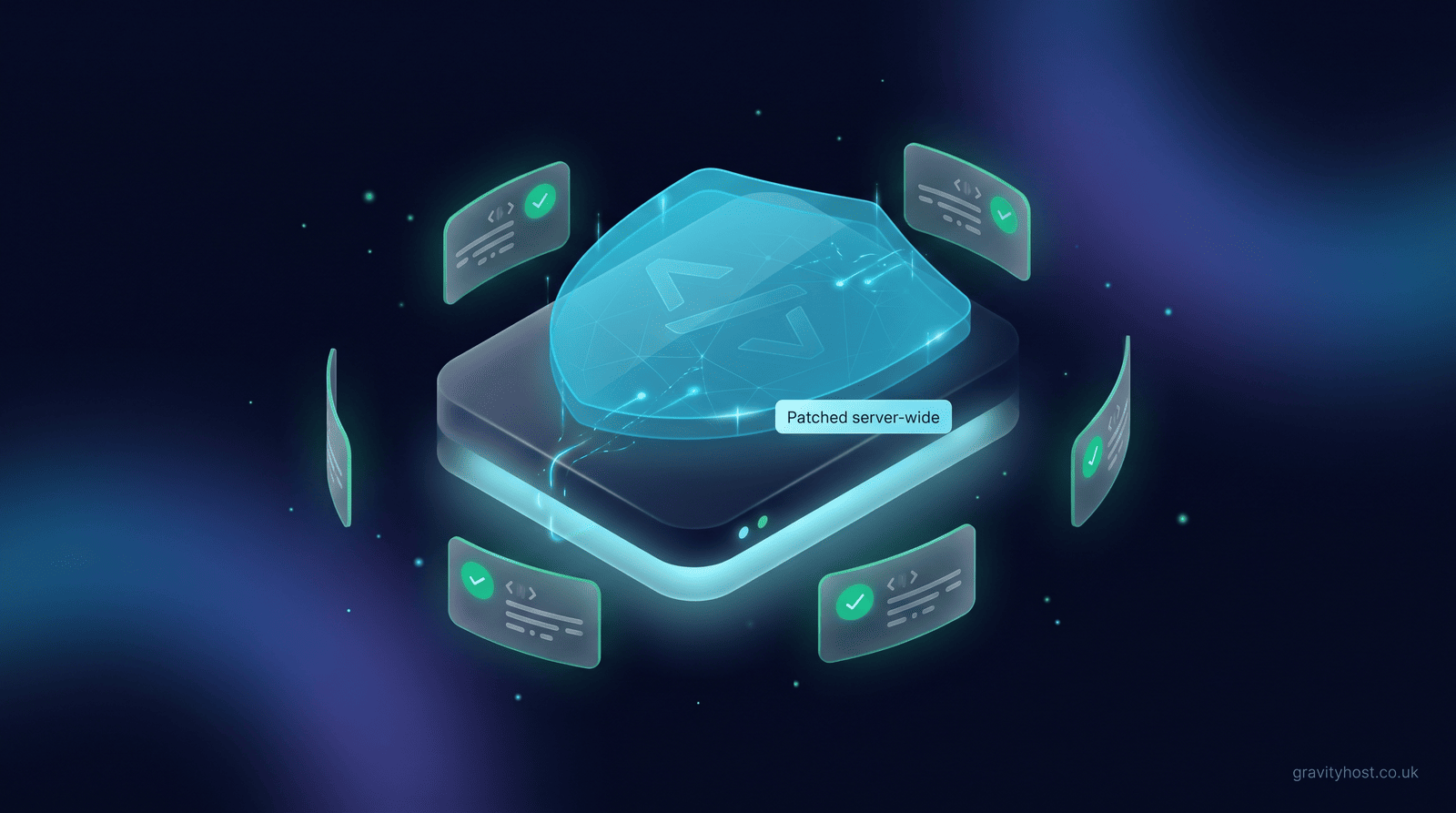
The short answer: PHP itself belongs to your host. On shared hosting, the host applies the workaround, installs the fixed PHP build and restarts PHP on every account, and your site carries on loading. Your part is the software you installed on top: WordPress, its plugins and themes, and the logins to them. Keep those up to date and you are covered.
Who fixes a PHP vulnerability on shared hosting?
On shared hosting the host runs one copy of PHP for everyone on the server, so the host is the only party that can patch it. You cannot install a different PHP build on a shared account, and you do not need to. Gravity Host handled PHP2Shell this way: the workaround went on across the whole server the same day the flaw was published, PHP was restarted on every customer account within hours, and the permanently fixed PHP followed. Customers did not have to lift a finger, and the PHP2Shell update on this blog sets out each step.
That split is the same for every serious PHP flaw, so it is worth knowing before the next one arrives.
| Part of your website | Who keeps it patched | What you see |
|---|---|---|
| PHP (the language your site runs on) | Your host | Nothing; the site keeps loading |
| The web server and server operating system | Your host | At most a short, announced restart |
| WordPress core | You, or automatic minor updates | An update notice in your WordPress dashboard |
| Plugins and themes | You | Update badges in the dashboard |
| Admin passwords and user accounts | You | Whatever you set up |
| Code a developer wrote for you | You and your developer | Whatever they tell you |
What does a host actually do when a PHP flaw is announced?
The response usually comes in three steps, and the order matters.
- Apply the workaround. A fixed PHP release can take time to build and test. The workaround switches off the specific feature an attack relies on. For PHP2Shell that was an old upload-progress setting,
session.upload_progress.enabled, which modern sites, WordPress included, no longer use. - Restart PHP on every account. PHP reads its settings once, when it starts. A site that was already running keeps the old setting until its PHP processes are replaced, so changing the setting without a restart only does half the job. Restarting every account makes the protection real everywhere at once.
- Install the fixed build and check every site. When the patched PHP arrives it goes on, every account is restarted onto it, and each site is loaded to confirm it still answers normally. The workaround can stay on as a second layer, because nothing uses the feature it disables.
The second step is the one that gets missed. A setting changed in a configuration file does nothing for a process that started before the change.
How can you tell whether your site is protected?
Ask your host, and expect a plain answer with what was done and when. A host that has applied a fix can say so in one line. Gravity Host customers can open a ticket from the account area at any time and get a straight reply from someone who knows the server.
Checking the PHP version number yourself is less helpful than it sounds. Server vendors such as cPanel and CloudLinux often backport a security fix into the PHP version already installed, without changing the version number. A site can report a version that looks one release behind the upstream fix and still be fully patched. The build date and the host's confirmation tell you more than the number does.
What should a small business owner do after a PHP security alert?
Very little, and none of it urgent. A short routine covers you for this flaw and the next one:
- Log in to WordPress and apply any waiting updates to core, plugins and themes. Remove plugins you no longer use; a deactivated plugin still sits on the server.
- Check who has an admin login. Old logins for a former designer or a past member of staff are worth deleting.
- Make sure your admin password is long and used nowhere else, and switch on two-factor login if your site supports it.
- Confirm a recent backup exists. Gravity Host takes daily backups of every account, so a known-good copy of your site is always close at hand.
There is nothing to change in PHP settings, nothing to reinstall and no reason to take the site offline. If an email arrives claiming to be from your host and asking for your password because of the flaw, treat it as a phishing attempt and check through the account area instead.
Does this change how you should choose a host?
It is a useful test. Security flaws in widely used software are normal; what you are buying is a host that patches the shared parts quickly, restarts what needs restarting, and tells customers plainly what happened. Gravity Host runs UK servers on NVMe storage with cPanel, daily backups, business email on your own domain and one-click installs, and keeping PHP patched is part of the service. If you keep your own software tidy, the next headline about PHP can be read with a cup of tea.
Frequently asked questions
Do I need to do anything about PHP2Shell if my site is on Gravity Host?
No. Gravity Host applied the workaround across the whole server on the day PHP2Shell was published, restarted PHP on every customer account that evening, and then installed the permanently fixed PHP and restarted every account again. Every site was checked afterwards to confirm it still loaded normally. Nothing on a customer site needed to change. Keeping WordPress, plugins and themes up to date is still good practice, as general housekeeping; this flaw did not require it.
What is PHP2Shell?
PHP2Shell is the name given to a pair of serious security flaws in PHP, tracked as CVE-2026-109618 and CVE-2026-109619. PHP is the programming language that WordPress and a great many other websites are built on. The flaws relied on an old PHP feature for showing file upload progress, which is why the first workaround was simply to switch that feature off. Fixed PHP releases followed, and hosts install those builds on their servers for every customer.
Why does PHP need restarting after a security setting changes?
PHP reads its configuration once, when a PHP process starts. A website that has been running for a while is served by processes that started before the change, and those processes keep the old setting until they are replaced. Restarting PHP on an account replaces them, so the next visitor is served by a fresh process with the new, safe setting. A host that edits the setting without restarting can leave sites unprotected for hours, which is why the restart step matters as much as the setting itself.
My site shows an older PHP version number. Is it still vulnerable?
Not necessarily. Server vendors such as cPanel and CloudLinux commonly backport a security fix into the PHP build already in use without raising the version number, so a patched server can report a version that looks one release behind the upstream fix. The version number alone cannot tell you whether a fix is installed. The reliable check is to ask your host what they applied and when; a host that has patched will be able to tell you in a sentence.
Will a PHP security fix break my WordPress site?
A security fix to PHP is designed to change as little as possible, and workarounds are normally chosen because they switch off something modern sites do not use. For PHP2Shell the disabled feature was an old upload-progress setting that WordPress does not rely on. A careful host still loads every site after the change to confirm it answers normally. If anything did look wrong, a daily backup and a support ticket would put it right quickly.
Is a WordPress site responsible for its own PHP security?
On shared hosting, no. The host runs PHP for the whole server and is the only party that can patch it. The site owner is responsible for what sits on top of PHP: WordPress core, plugins, themes, admin accounts and any custom code. An out-of-date plugin or a reused password is a far more common way into a WordPress site than PHP itself, so the owner's share of the work is small but genuinely worth doing.
How will I know when my host has patched a vulnerability?
A good host tells customers without being asked, through a news post, an email or both, saying what the flaw was, what was done and whether customers need to act. Gravity Host published a plain-English update on PHP2Shell the same day the workaround went on and updated it when the permanent fix was installed. If you have not heard anything from your host after a widely reported flaw, open a ticket and ask directly.
Host it on Gravity Host
Fast UK NVMe hosting, free SSL, daily backups and support from a small UK team. Domains are priced separately, and the renewal price is shown before you buy.
What your hosting includes — Email at your own domain, free SSL, daily backups, website migration and one-click apps all come with every plan. See the full list.
See hosting plans