Nothing in OpenCart edited
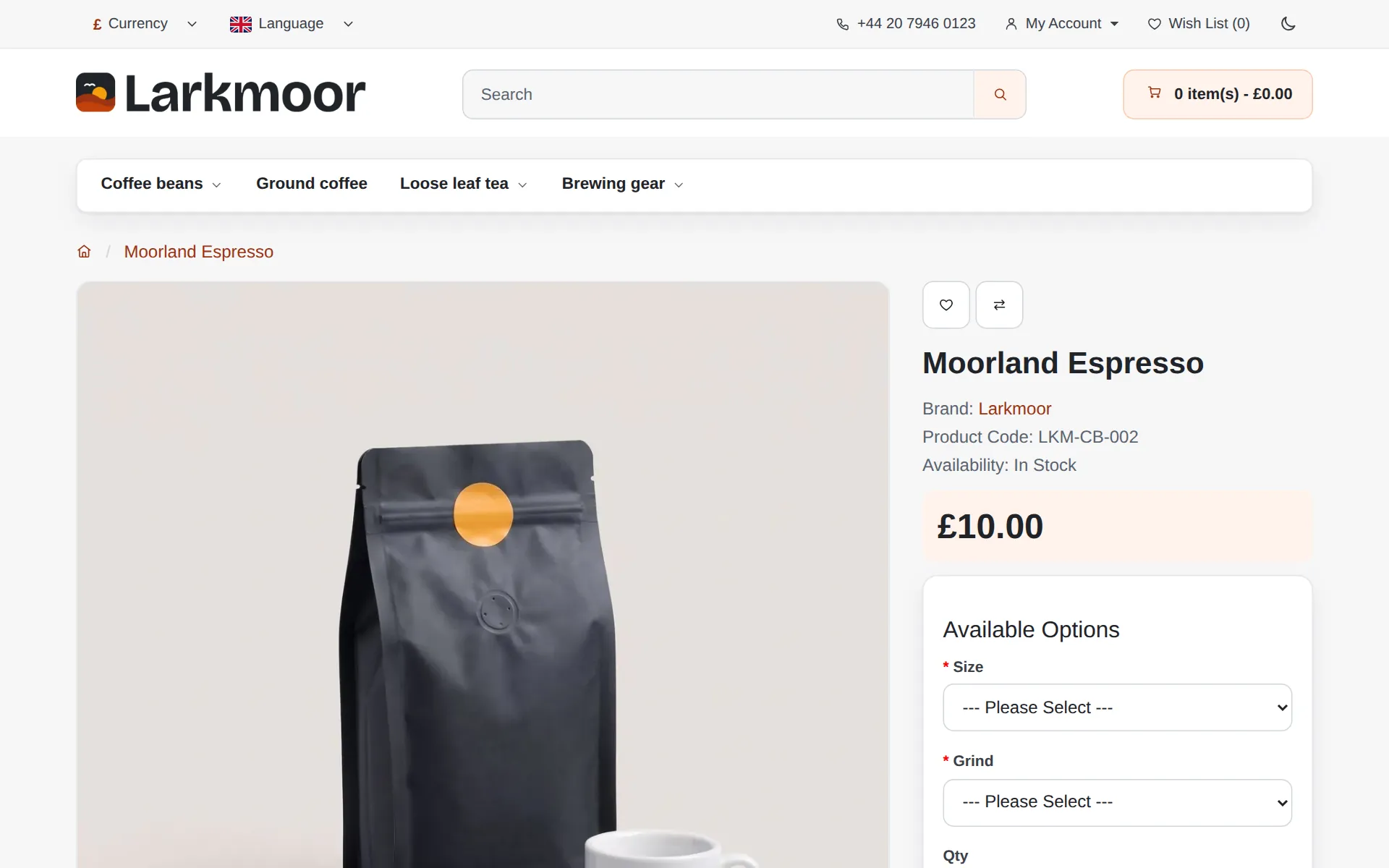
Fresh is laid over the standard theme. Extensions made for the standard theme keep working, updates to OpenCart stay simple, and switching Fresh off restores the stock look.
Fresh, a theme for OpenCart 3
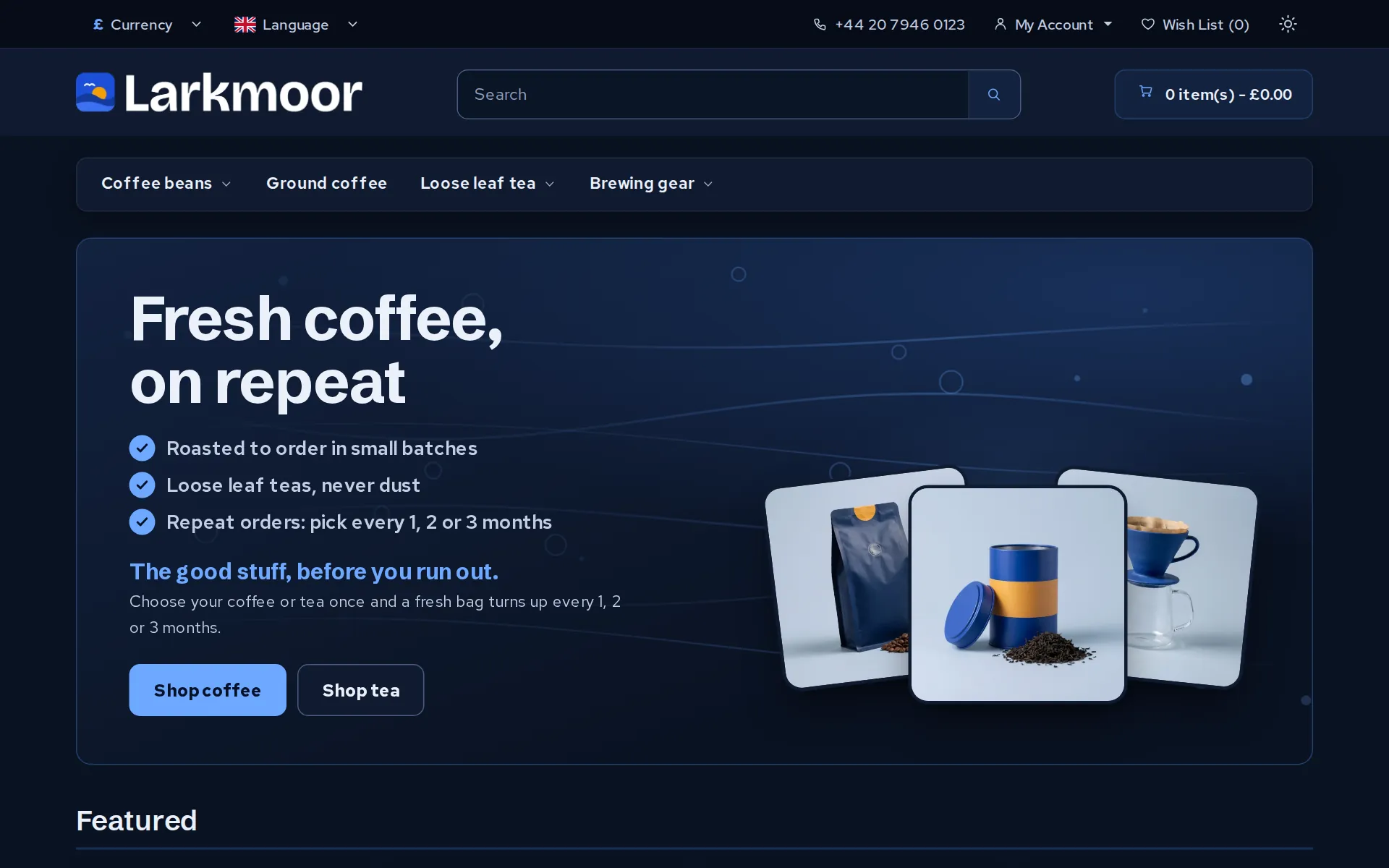
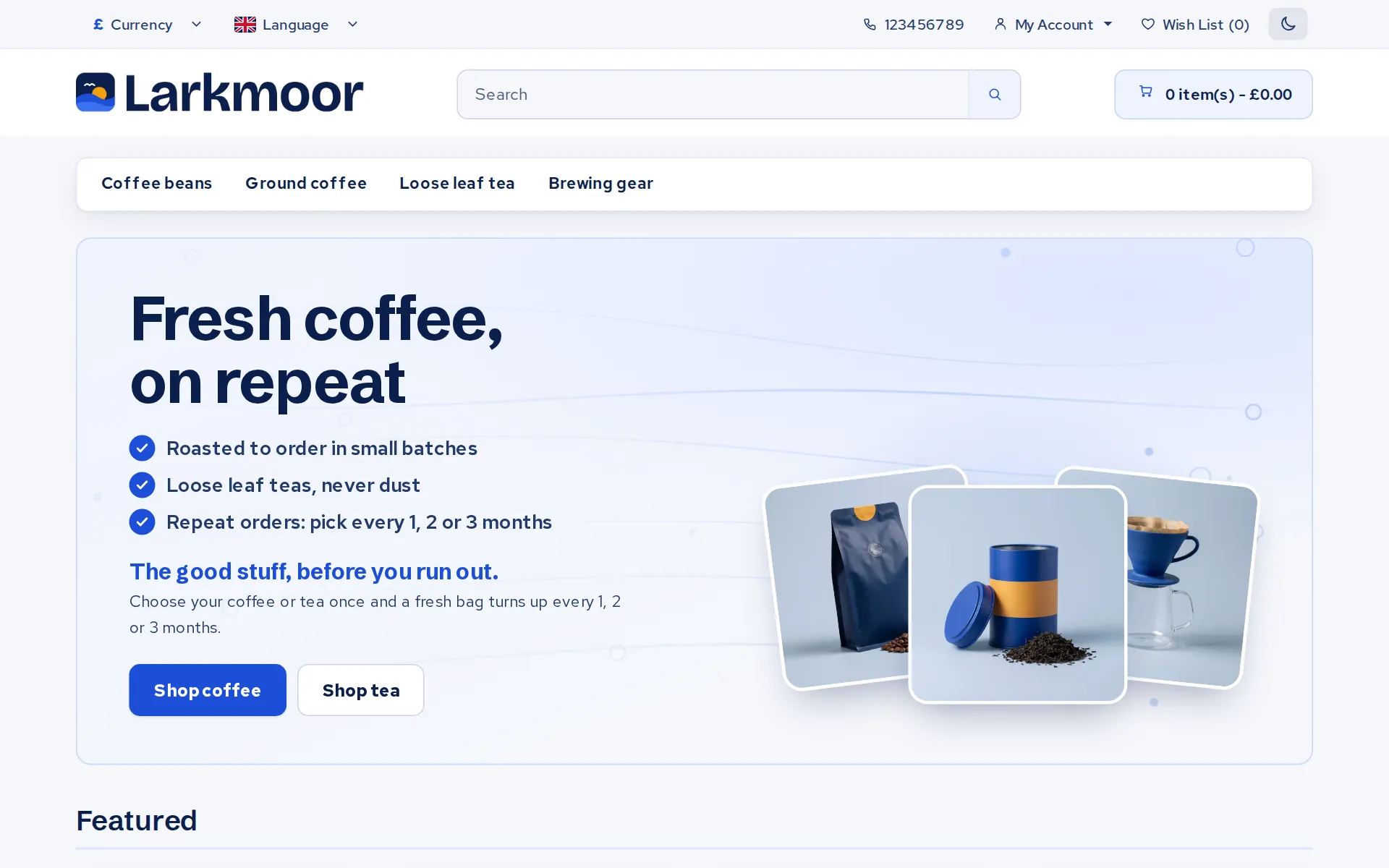
Fresh gives your shop a clean, modern look with a light and dark mode, four colour schemes and three font pairs. It sits on top of OpenCart's standard theme without changing it, so your extensions keep working and switching it off brings the old look straight back.
£35 once, with a year of updates and help. Included at no extra cost when your shop is hosted with us, with updates for as long as you stay.
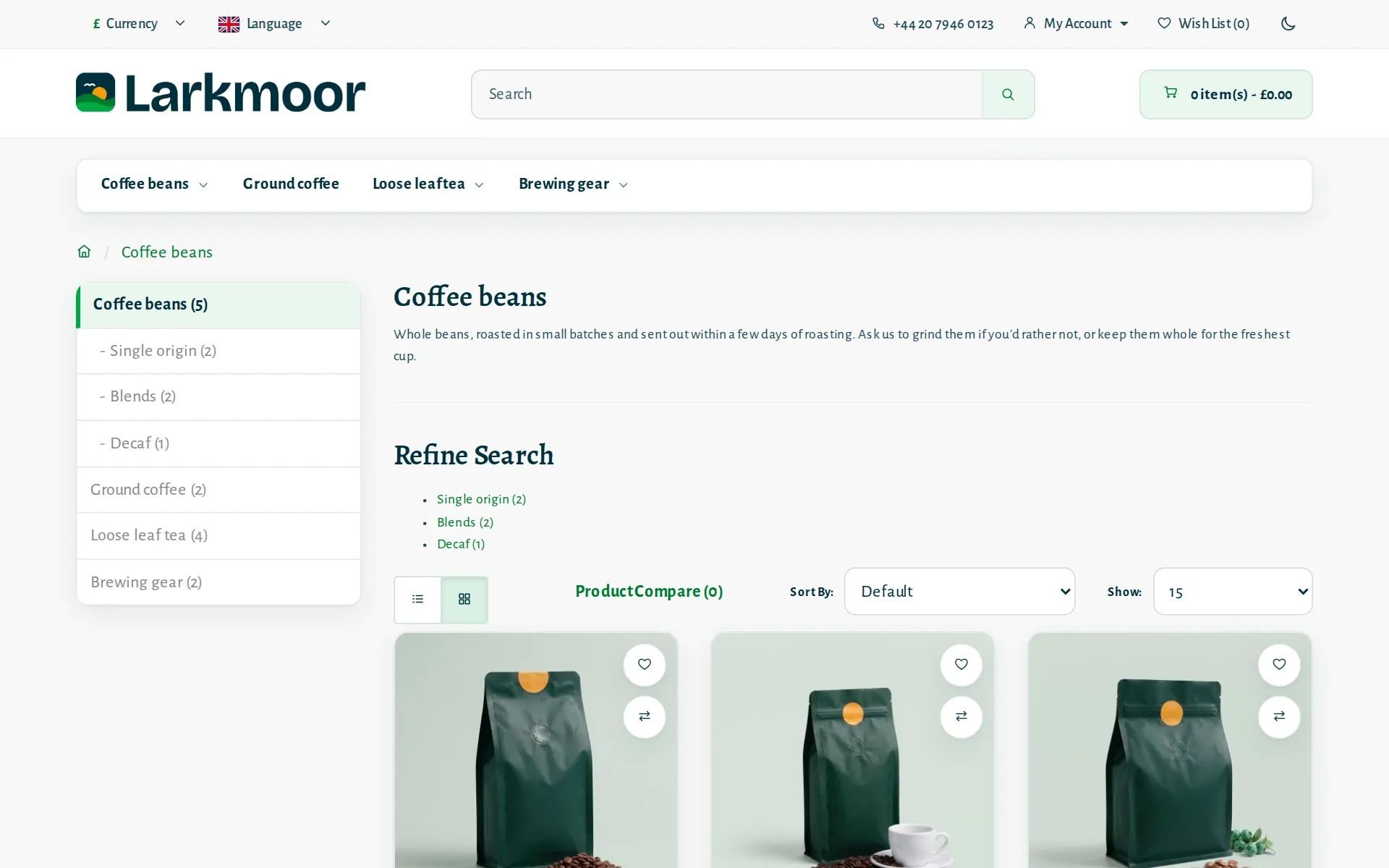
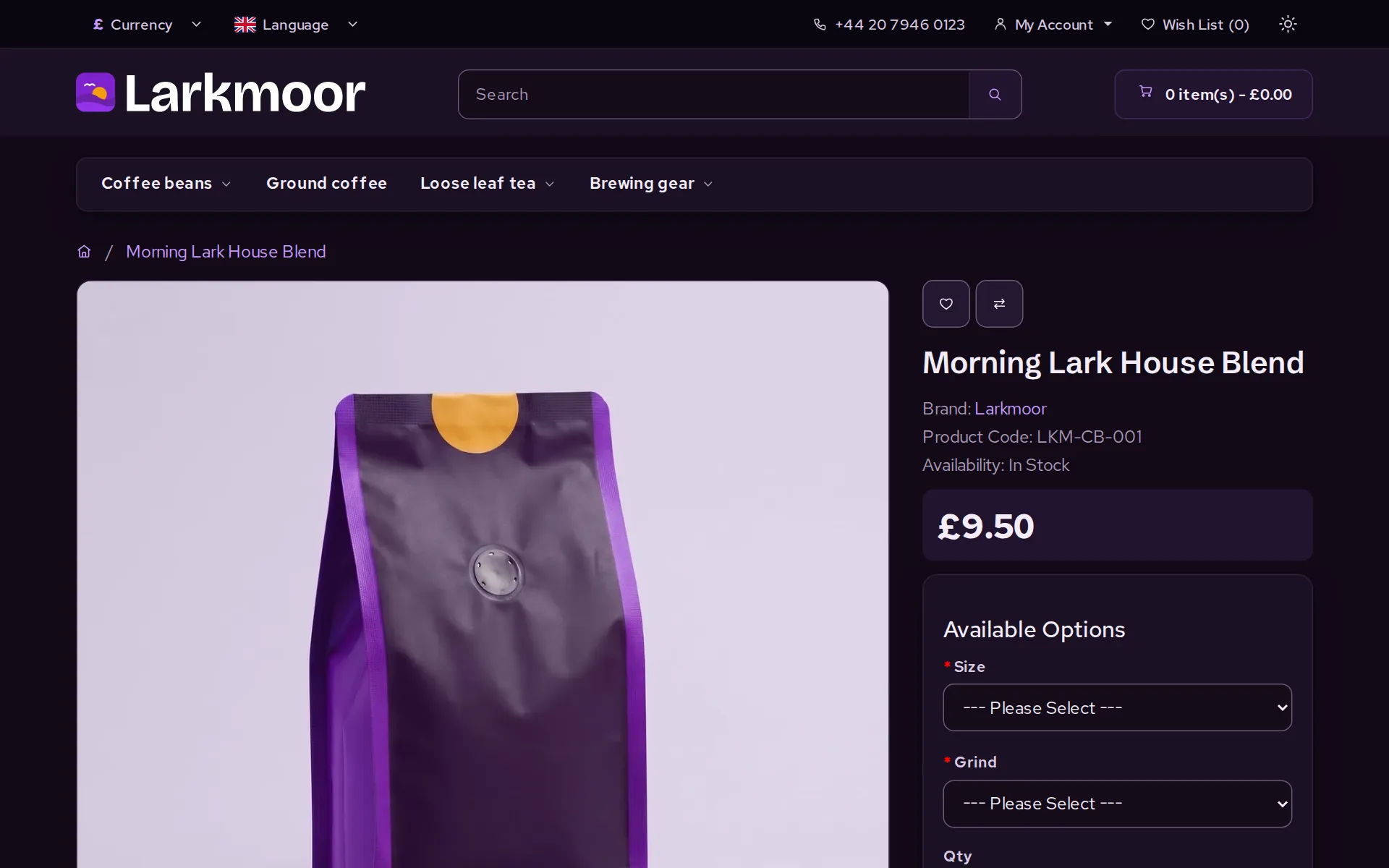
The demo shop runs Fresh in all 8 of its languages. Press Try another look there to switch the colours and fonts yourself; its photos and logo change with each colour scheme.
Your look
Pick a colour scheme and a font pair in the admin. Every scheme has its own dark version, so it looks right in both modes without you choosing two sets of colours. The fonts come as Clear (the default), Crafted, and Plain, which uses each shopper's own device fonts.
What you get
Fresh is laid over the standard theme. Extensions made for the standard theme keep working, updates to OpenCart stay simple, and switching Fresh off restores the stock look.
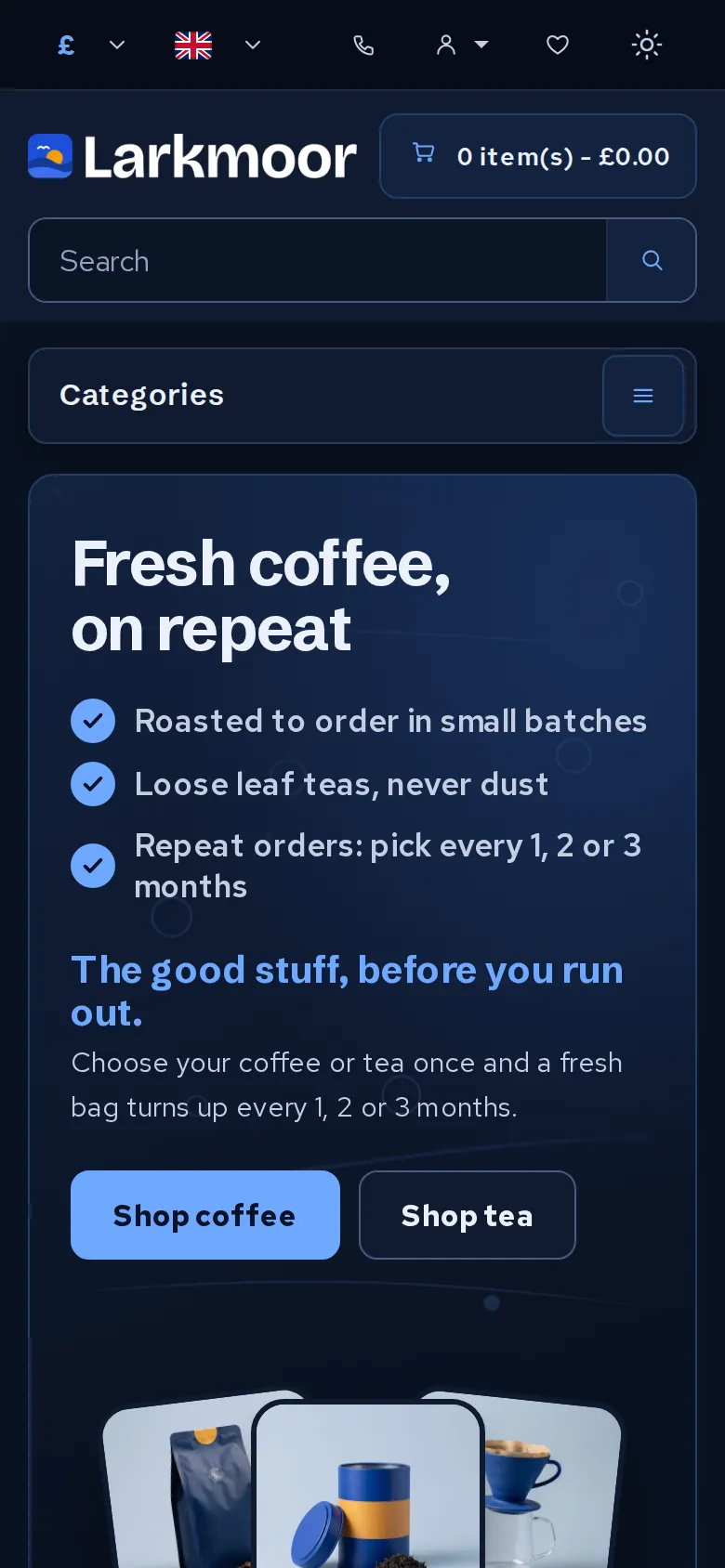
Shoppers flip between them with a sun and moon switch. You choose what they see first: light, dark, or whatever their device is set to.
A slow-moving "fresh air" background behind your own words and up to 3 photos. The words are plain text, set per language in the admin, so every language gets its own banner.
Photos fill the card edge to edge, with round wish list and compare buttons, and an Add to Cart button sized to fit in every language.
Show the cards you take and up to 3 short lines under Add to Cart, such as delivery times or your returns promise, right where people decide.
Buttons and links are at least 44 pixels high for thumbs, and text meets the WCAG AA contrast standard in every scheme, light and dark.
Photos are served as WebP, sized for each screen and loaded only as shoppers scroll to them: the same speed work we did for a customer's live shop, now part of the theme.
Switches in the admin turn the menu bar, the home banner, its animation and the faster pictures on or off, one by one. Your footer, your call: show or hide "Powered by OpenCart" and our small theme credit with one switch each.
If your logo is dark, upload a second one for dark mode and Fresh swaps it in, so your logo never disappears into the background.
On a phone
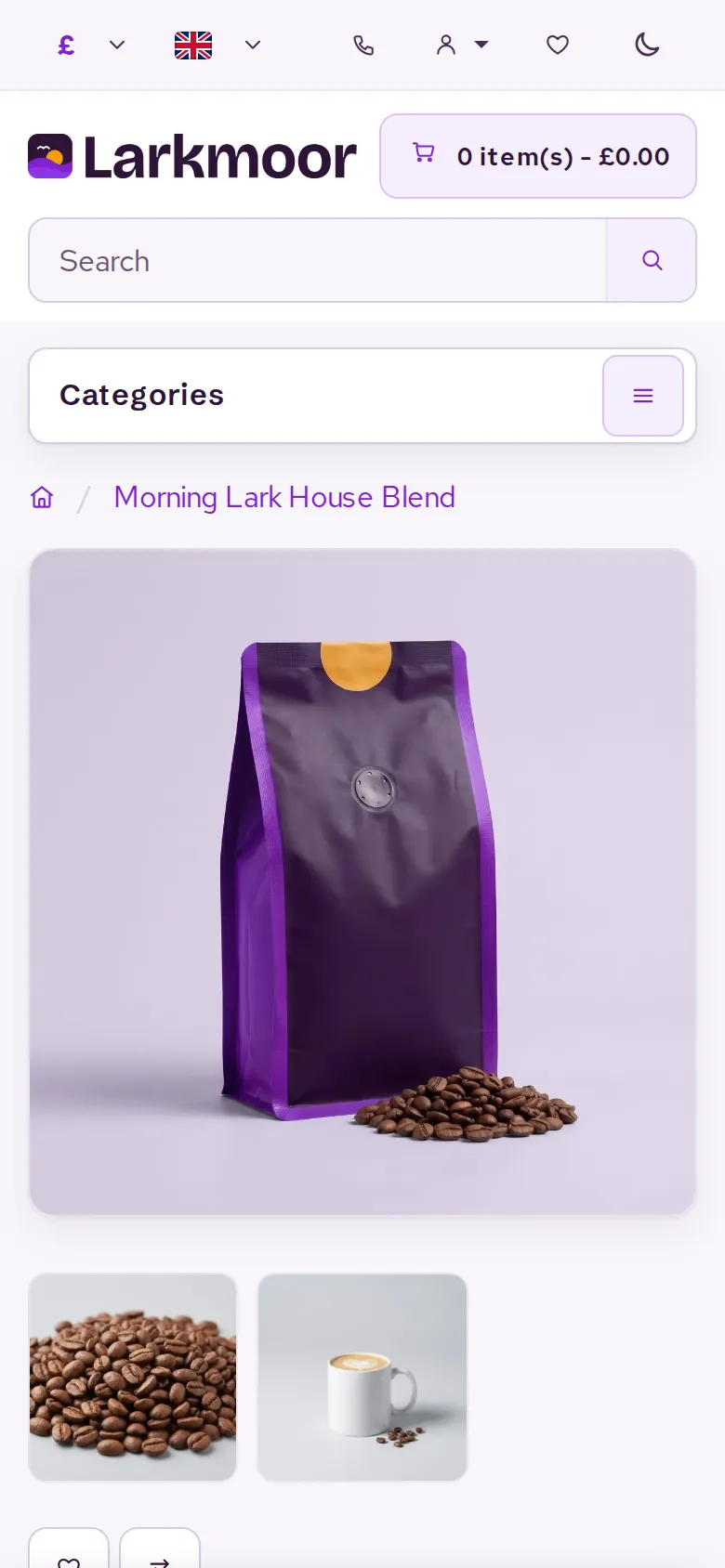
The layout is built for a small screen first and grows for bigger ones, not squeezed down from a desktop design. The search box, basket and categories stay within reach, and product pages put the photo, price and Add to Cart button on the first screen.
Our own navigation bar, flags and icons replace the mixed set OpenCart ships with, so everything matches in both modes.
Open the demo shop on your phone to try it.
Speed
Google's own PageSpeed test on our demo shop, with the Apple Pay, Google Pay and Link buttons switched on. On a phone, the home page's main picture shows in 1.1 seconds, with nothing blocking the page and almost no layout shift.
| Page | Phone speed | Computer speed | Accessibility | Best practice |
|---|---|---|---|---|
| Home | 100 | 100 | 100 | 100 |
| Category | 99 | 100 | 100 | 100 |
| Product with Buy now | 99 | 99 | 100 | 100 |
Google PageSpeed Insights, 30 October 2026; scores move a point or so between runs. Best practices for the product page is the phone result: on a computer Stripe's wallet buttons set a cookie of their own, which costs that check points the theme can't control. Search scores are left out because the demo shop is hidden from Google on purpose; your own shop isn't.
Price
Included. Fresh and every update for as long as your shop is hosted with us, and we will set it up with you.
Buy web hosting£35 once. Yours to keep on one shop hosted anywhere, with a year of updates and help. Renew for another year whenever you want the latest version.
Buy it nowBefore you buy
OpenCart 3. A version for OpenCart 4 is on the way.
A theme, which some people call a template or a skin. It installs like any OpenCart extension or plugin, through the Extension Installer, and you set it up under Extensions > Modules > Fresh.
No. Fresh sits on top of OpenCart's standard theme and does not edit any OpenCart file, so extensions written for the standard theme keep working. Switch Fresh off and your shop goes straight back to the standard look.
Yes. A sun and moon switch in the top bar lets each shopper choose. You set what everyone sees first: light, dark, or whatever their phone or computer is set to.
Yes. Everything Fresh adds is ordinary text that OpenCart translates, including the home page banner, which you write once per language in the admin. Buttons are sized so longer words, like German ones, still fit.
Upload a second logo for dark mode and Fresh swaps it in, so your logo never disappears into a dark background.
Yes. The menu bar, the home banner, the banner's animation, the faster pictures, and the "Powered by OpenCart" and "Theme by Gravity Host" lines in the footer each have their own switch in the admin. Both footer lines are on until you turn them off.
Yes. If your OpenCart shop is hosted with us, Fresh and all its updates are included for as long as you stay. We install it with you if you would like.
Machine translation by Google. English is the original — please read prices and hosting terms in English before you buy.
A guide only — you pay in pounds. We show the conversion so you know roughly what it costs; your bank sets the rate on the day.