Home · Blog · Website Ownership
How do you move an AI-built website to your own domain?

A website built entirely inside an AI tool can move onto hosting you actually own, under your own domain, keeping every page, image and line of text exactly as they were designed, with a working contact form and a proper email address to go with it. That's the shape of a situation that comes up often: someone describes a business to a chat assistant, or generates a full site with one of the newer AI builders, and ends up with something genuinely finished — sitting at an address that has nothing to do with the business, under an account that may not even be theirs.
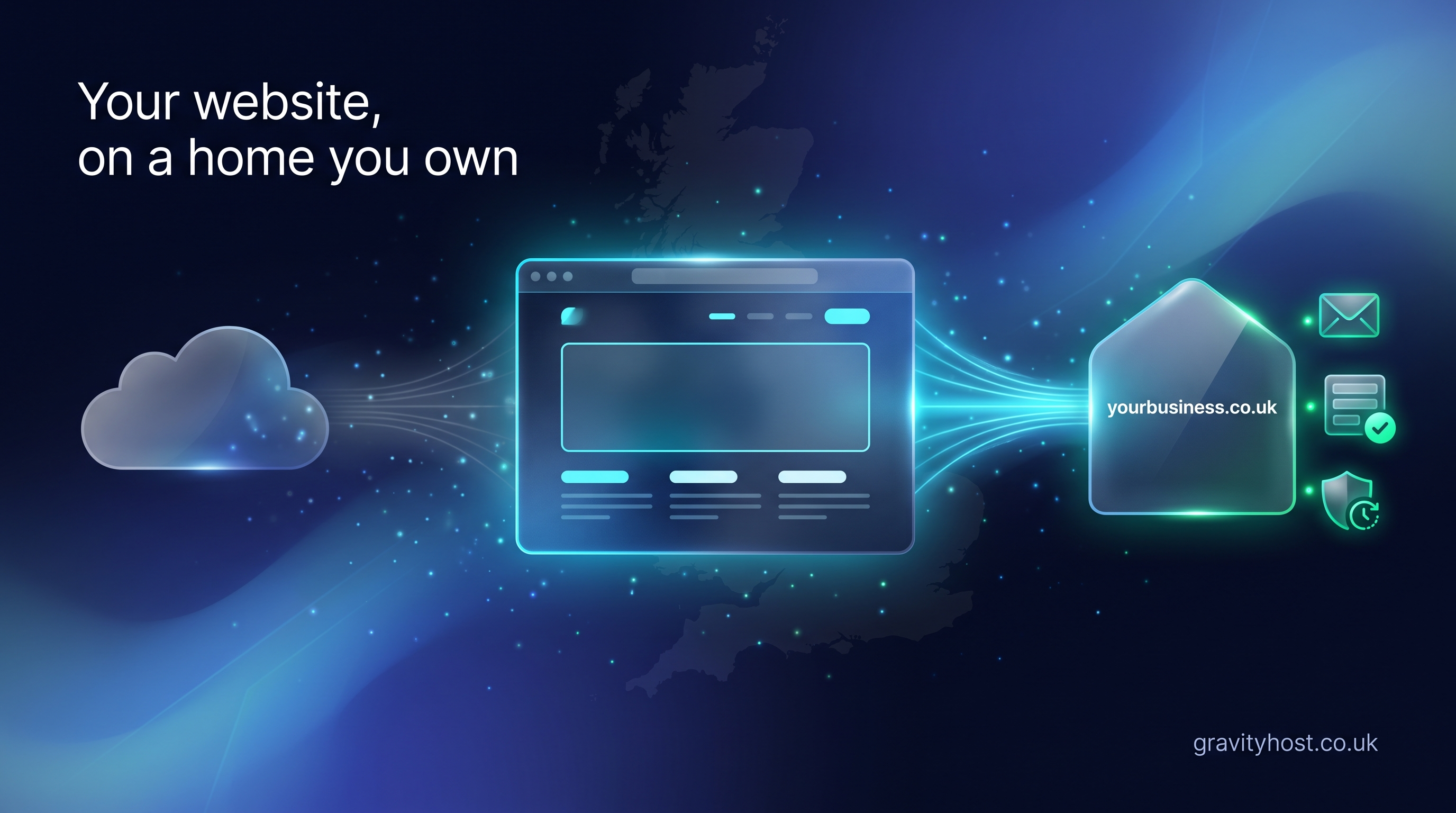
Moving the site is a copy, not a rebuild. The design stays exactly as it was made. What changes is the address it answers to, who holds the account it lives in, and what happens the moment someone fills in the contact form. A sync tool built for exactly this takes the live address of an AI-built site and copies it onto hosting under the business's own domain, so the AI tool stays the workshop and the hosting becomes the actual front door.
Where do AI-built sites usually end up?
Most AI website builders publish somewhere free by default: a subdomain carrying the builder's own name, or a static host address such as a GitHub Pages or Netlify URL. Static site frameworks like Astro or Eleventy produce the same kind of output — a folder of finished HTML, CSS and images with nowhere of its own to live until someone puts it somewhere. None of this is a flaw in the tool. A free address is exactly right for trying an idea or showing a draft to a client. It was never built to be the permanent address of a trading business.
What actually changes when a site moves?
The table below is the whole move in one place.
| What | Before the move | After the move |
|---|---|---|
| Address | A free subdomain, e.g. yourproject.vercel.app | Your own domain, e.g. yourbusiness.co.uk |
| Account | Whoever published it — sometimes a friend's, sometimes a builder's free tier | A hosting account in the business's own name |
| Contact form | Often goes nowhere anyone actually reads | Delivers to an inbox someone checks |
| No address at the domain | name@yourbusiness.co.uk | |
| Editing tool | The AI assistant or builder used to make it | Exactly the same — nothing about how it's edited changes |
Does moving a site mean rebuilding it?
No. The pages already exist as finished files: HTML, CSS, images, the lot. Moving them is closer to copying a folder than starting again. A sync pulls the live pages from wherever they're published and lays them down on the new hosting account, under the new domain, with the layout and content untouched. A decorator's site built by describing the business to a chat assistant can go from a free address to businessname.co.uk in the time it takes to point the sync at the right URL and confirm the domain.
Can the same AI tool still be used to make changes afterwards?
Yes. The move only changes where the finished site lives, not how it gets edited. ChatGPT, Claude, Lovable, Bolt and the rest stay exactly what they were: the place changes get described in plain English, generated, and republished. Hosting is a separate layer underneath that — the account, the domain, the files and the daily backups. Nothing about moving house closes the workshop.
What happens to the contact form after the move?
A free static address usually can't run server-side code, so a form on it either goes nowhere or relies on a third-party form service bolted on afterwards. Once the site sits on hosting with its own PHP and mail handling, the same form can post to a script on the same domain and land in a real inbox, with no separate service to manage. It's a small technical difference with a large practical one: a form that used to disappear now reaches somebody.
What if the site was published under someone else's account?
This comes up as often as the technical version of the question. A friend or a contractor builds the site, publishes it under their own login because that's the account they had open, and hands over a working link, which is genuinely useful right up until they change jobs, close the account, or simply stop answering messages. Moving the site onto a hosting account in the business's own name settles that for good. The person who runs the business becomes the person who can log in, renew it, and hand it to whoever runs it next.
What does the move involve on the hosting side?
A UK NVMe cPanel account gives the moved site somewhere to sit, with daily backups running underneath it and business email at the domain rather than a free address. If the next step is WordPress, Nextcloud or something else entirely, Softaculous installs it in one click from the same account. Gravity Host plans built around this kind of move are £45 for the first year and £75 a year after that, with the domain, the files and the inbox all sitting under one login from that point on.
Frequently asked questions
Will an AI-built website look any different once it's moved to its own domain?
No. The move copies the finished pages exactly as they were designed, layout, images, text and all, and puts them on a different address. Nothing about the design changes as part of the process. What changes sits underneath the pages: which account owns the hosting, which domain the address resolves to, and what happens when the contact form is submitted. A visitor who saw the site before the move and after it should see the same site, just answering at the business's own address instead of a free one.
Can a site built in Lovable, Bolt or ChatGPT be moved onto a normal domain?
Yes. Whatever tool generated the site, the output is still a set of web pages published somewhere, and that's all a move needs to work with. A sync takes the live address the pages are currently published at and copies the pages onto hosting under the business's own domain. The tool that built the site keeps doing exactly that job afterwards; only the address the finished pages live at changes.
What happens to the old free address after the site moves?
It can be left alone, deleted, or pointed at the new address, depending on the builder used. Most people leave it as it is or delete it once the new domain is live and working, since there's rarely a reason to keep two live copies of the same site pointing in different directions. Search engines and any links already pointing at the free address are the main reason to consider redirecting rather than deleting outright.
Does a contact form need rebuilding once the site is on its own hosting?
Usually the form itself doesn't need redesigning, but it does need somewhere to actually send its results. On a free static address, a form typically has nothing behind it to process a submission. Once the site is on hosting with its own PHP and mail sending, the same form fields can post to a small script on the same domain, and a submission lands in a real inbox instead of disappearing when someone clicks send.
The site was published by someone else's account. Can it still be moved?
Yes, as long as the site's live address is reachable, a sync can copy it regardless of whose account it's currently sitting in. Moving it doesn't require access to that original account, only the public web address the site is published at. Once it's copied across, the business owns the new hosting account outright and no longer depends on whoever set the original one up.
Does moving hosting mean also moving or buying a new domain name?
Not necessarily. If a domain is already registered, it can usually be pointed at the new hosting without needing to buy anything new; if the business has been trading under a free subdomain and has no domain of its own yet, registering one is a separate, straightforward step that happens alongside the move rather than instead of it. Either way, the domain and the hosting end up controlled from the same account.
Host it on Gravity Host
Fast UK NVMe hosting, free SSL, daily backups and support from a small UK team. Domains are priced separately, and the renewal price is shown before you buy.
Build a website with AI, then host it here — Take a site made with an AI builder, put it on your own domain and keep control of it. The routes that work and the steps in order.
See hosting plans