Home / Blog / Website Ownership
Where should your AI-built website live? The choice nobody mentions
A situation that comes up more and more: somebody builds a website in an evening, with an AI assistant, a friend, or one of the build-a-site tools, and it goes live at whatever address the tool handed out. The site is real and it works. What almost nobody knows is that they have a choice about where it lives, and that the choice decides what the site can do for the business.
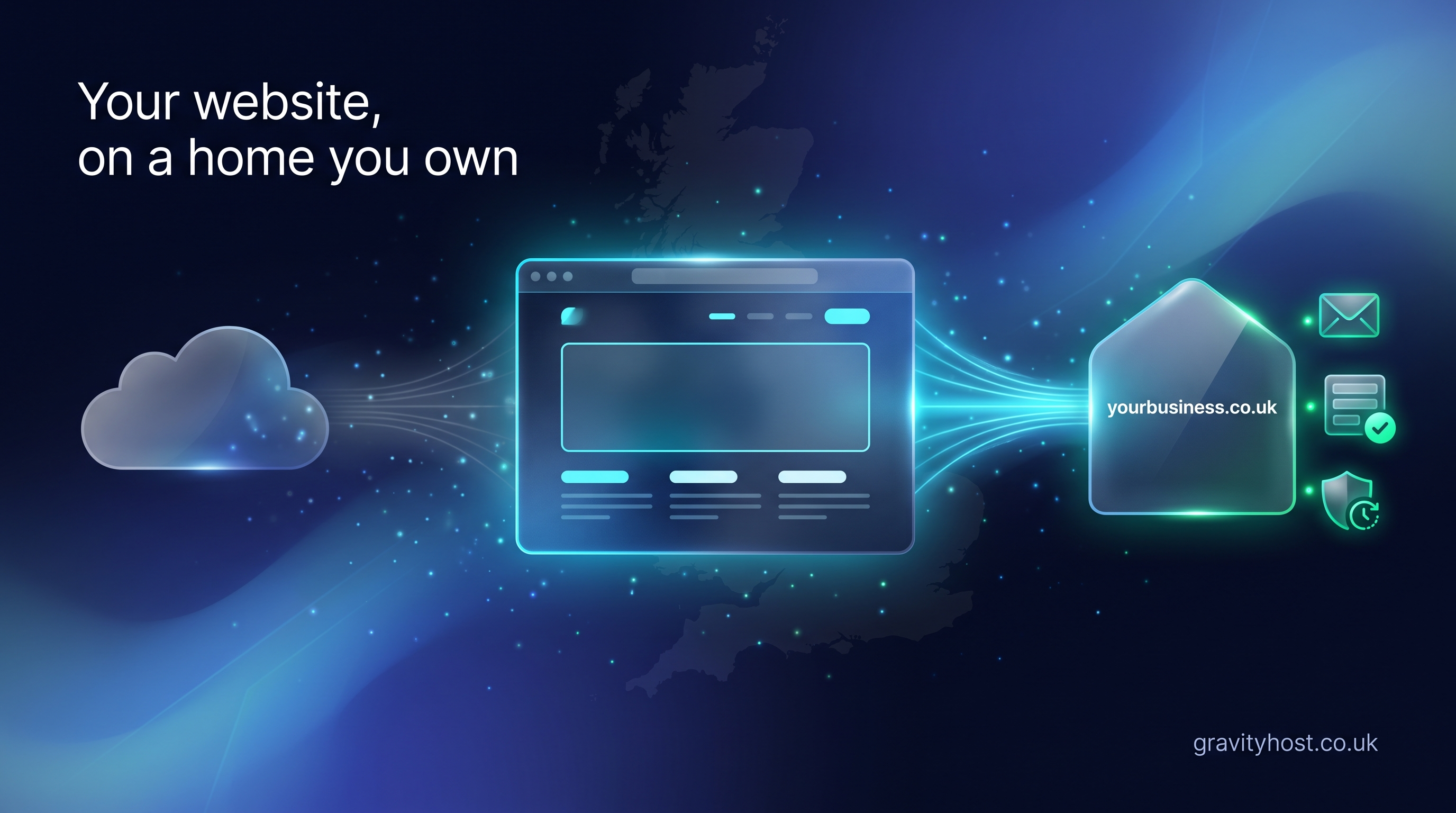
An AI-built website can live on a free address or on hosting you control. The free address is ideal for a first look. Hosting you control adds your own domain, email at your business name, a contact form that delivers to your inbox, and a daily backup, all in one account you can hand to anyone. For a business, that is the route to choose.
Why do most people never get to make this decision?
The build tools are good at their job. You describe the site, it appears, and a publish button puts it online in seconds. That last step is the one nobody explains. The address it publishes to belongs to the tool, the site is served by the tool, and any form on the page usually needs something behind it that the tool has not set up. None of that is a fault. It is simply the end of what the tool was built to do.
So the decision gets skipped. People assume the free address is the finished article because nothing told them otherwise. When a customer asks for an email address that matches the website, or the enquiry form turns out to deliver to nowhere, that is usually the first time the owner learns there was another option.
What does hosting you control give you that a free address does not?
Four things, and each one is about ownership. The site becomes yours in the practical sense: your name on the domain, your login to the account, your copy of the files, and your inbox on the other end of the contact form.
| What you get | Free published address | Hosting you control |
|---|---|---|
| Web address | A subdomain issued by the tool | Your own domain, such as yourbusiness.co.uk |
| Not included | Unlimited addresses at your domain, such as hello@yourbusiness.co.uk | |
| Contact form | Displays, but needs a separate service to deliver anything | Runs on the same account and delivers to your inbox |
| Backups | Whatever the tool keeps | Daily backups you can restore yourself from cPanel |
| Who holds the keys | The tool's account | Your account, which you can pass to any developer |
| Adding a shop, booking or database later | Static pages only | PHP and MySQL ready, with one-click installs for WordPress and hundreds of other apps |
The email row is the one that changes the day-to-day. A quote sent from hello@yourbusiness.co.uk is signed by the business. The same message from a free webmail address is signed by the webmail provider, and customers notice the difference even if they could not say why.
The contact form deserves its own mention
A page can show a perfect form and still deliver nothing, because the sending happens on a server, not in the browser. On hosting you control, a small handler such as contact.php sits next to your pages and posts each enquiry to your inbox. That is the one part of a static site that genuinely needs a server behind it, and it is the part most often left undone.
How do you move an AI-built site onto your own domain?
Register the domain, buy hosting, put the files in, and point the domain at the account. In practice that is an afternoon for a static site, and the files themselves do not change. Your tool built the pages; the pages are what move.
- Register the domain. A .co.uk is the usual choice for a UK business. Registration and renewal prices are published on the Gravity Host domains page, and the domain is yours, separate from any hosting.
- Get the files out of the tool. Most builders offer a download or a GitHub export. If the site is already in a GitHub repository, that is the export.
- Put them on the hosting. Upload through cPanel's file manager, or connect the GitHub repository with GitHub Sync so every published change copies across on its own within the hour.
- Add the contact handler and the mailbox. Create hello@yourbusiness.co.uk in cPanel and point the form at a handler on the same account.
- Check the backup ran. Daily backups start automatically. Open the backup screen once so you know where the restore button is before you ever need it.
The Gravity Host guide to building a website with AI and hosting it properly lays out the routes side by side, with prompts you can paste into your assistant and the exact steps for the GitHub route. If the site is already live somewhere and you want the move itself walked through, there is a dedicated post on moving an AI-built website to your own domain.
When is the free address the right choice?
When the site is a preview, a portfolio piece, or something you are still deciding about. A free published address is a good place to show a draft to a friend, test a design, or keep a personal project. GitHub Pages works well as the staging preview in the GitHub Sync setup, so you get the best of both: the tool's fast publish loop, and your domain as the place customers land.
The moment the site represents a business, the calculation changes. Customers will email the address on the page. They will fill in the form. They will type the name from the van into a browser. Each of those needs the site to be on an account with your name on it.
What does it cost to host a site you control?
Hosting with Gravity Host starts at 15 GB for website and email, on UK NVMe storage with cPanel, daily backups, unlimited email addresses at your domain, a 1 TB bandwidth allowance, and one-click installs for WordPress, Nextcloud and hundreds of other open-source apps. It costs £45 for the first year, then £75 a year. The domain is priced separately, at £10 a year for a .co.uk at the time of writing.
For a business, that buys a website that can take a booking system or a shop later without moving again, and an email address that matches the name on the invoice. Most owners who learn there was a decision to make wish someone had said so on the day they pressed publish.
Frequently asked questions
Can I keep building with my AI tool after I move the site?
Yes. Your tool keeps working exactly as before; only the place the finished files are served from changes. If the tool publishes to a GitHub repository, GitHub Sync copies each published change onto your Gravity Host account within the hour once its safety checks pass. If the tool offers a download, you upload the new files through cPanel. Either way you keep the editing workflow you are used to and gain your own domain on the front of it.
Do I have to rebuild anything to use my own domain?
No. A static site is a set of HTML, CSS and JavaScript files, and those files do not care which server serves them. You register the domain, point it at your hosting account, and upload the same files. The only thing you will usually add is a contact form handler, because form delivery happens on the server and a free address does not include one. Everything the tool built stays as it is.
Why does my contact form not send anything?
Because a form in a web page only collects the information. Sending it somewhere is a job for the server the page lives on, and a free published address is usually static files with nothing behind them. On hosting you control, a small script such as contact.php receives the submission and emails it to your inbox. Set that up once and every enquiry from then on arrives where you will see it.
Can I have email at my domain without moving the website?
Yes. The domain and the email can live on your Gravity Host account while the website stays where it is, because a domain's website records and its mail records are set separately. Many people do this first, then move the site once they see how simple the account is. That said, keeping site, email, form and backups in one place means one login and one bill, which is easier to hand over to a developer later.
What happens to my site if the build tool changes its terms or closes?
If the files live on your own hosting account, nothing happens to the live site. Your domain keeps pointing at your account, and your daily backups keep running. You would lose the editing tool, and you would then edit the files another way, with a different AI assistant, a developer, or a plain text editor. Keeping your own copy of the files is the whole point of hosting you control.
Is shared hosting suitable for a business website?
Yes, and it is what most UK small business websites run on. Shared hosting means the server is looked after for you, with NVMe storage, daily backups, cPanel and email included, at a price that makes sense for a site that gets a few hundred visitors a day. Gravity Host is shared hosting. It suits a brochure site, a WordPress site, a small shop, or a booking system, and you can grow the account as the business grows.
Can I still use GitHub Pages as a preview once I move?
Yes, and it is a good way to work. Keep publishing to GitHub Pages as your staging preview, check the result there, and let GitHub Sync copy the checked site onto your domain. Customers only ever see your domain. GitHub's own terms restrict business use of Pages, so using it as a preview and your own hosting as the live site keeps you on the right side of that while keeping the fast publish loop your tool gave you.
Host it on Gravity Host
Fast UK NVMe hosting, free SSL, daily backups and support from a small UK team. Domains are priced separately, and the renewal price is shown before you buy.
Build a website with AI, then host it here: Take a site made with an AI builder, put it on your own domain and keep control of it. The routes that work and the steps in order.
See hosting plans