Will pointing your domain at GitHub Pages break your email? Check the MX record first
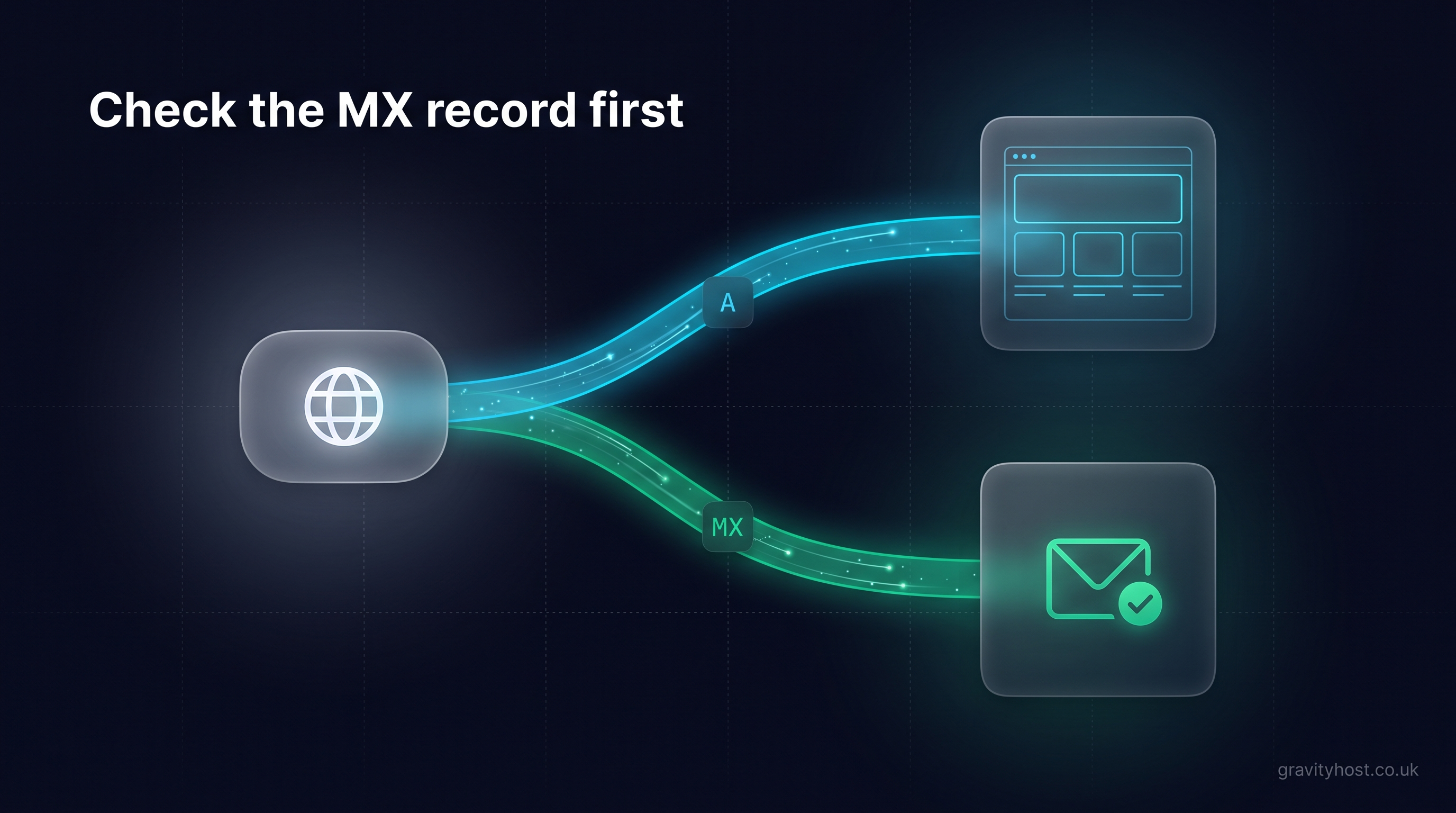
Email keeps arriving through a website move when the MX record points at a hostname of its own, such as mail.yourdomain.co.uk. If the MX record points at the bare domain, pointing your domain at GitHub Pages or another static host moves the email along with the website. Check the MX record first. It takes two minutes.
A situation that comes up: a small business owner is sent a short set of DNS instructions by the person who built the new site. Replace the A records with these four, add a CNAME for www, and leave the email records untouched. The instructions were correct for the website. The mail record on that domain, though, pointed at the domain itself, so following them to the letter would have delivered every incoming message to a web server. It was spotted before the switch. The mail record was given its own entry, the change went ahead, and delivery was tested in both directions afterwards.
How does a website change affect email on the same domain?
Your domain's email follows a two-step lookup, and knowing the two steps tells you whether a website change will touch it. A sending mail server first asks for the domain's MX record, which answers with a name. It then looks up the A record for that name to get an address, and delivers there.
The A record on the bare domain is the same record a browser uses to find your website. When the MX record's answer is the bare domain, the website and the email share one A record. Change it for the website and the email goes with it.
This shared arrangement is common, and sensible while the website and the mailboxes sit on one server. cPanel sets a new domain up this way: the MX record reads 0 yourdomain.co.uk, pointing at the domain itself.
How do you check where your MX record points?
You can read your MX record in under two minutes, from your hosting account or from any computer. In cPanel, open Zone Editor, choose Manage next to the domain and filter by MX. From a command line, either of these gives the same answer:
- Windows or Mac:
nslookup -type=mx yourdomain.co.uk - Mac or Linux:
dig +short MX yourdomain.co.uk
What comes back is a priority number followed by a name. The name is the part that matters.
| What the MX record says | What it means | What to do before the website's A record changes |
|---|---|---|
0 yourdomain.co.uk | Email shares the website's A record | Give email its own entry first (steps below) |
0 mail.yourdomain.co.uk | Email has its own entry on your domain | Confirm the mail A record holds your mail server's address, then go ahead |
| A name on another domain, such as a mail service's own hostname | Email is handled by an outside mail service | Nothing; the website's A record is independent of it |
How to give email its own entry before the website moves
Four small edits in the Zone Editor put email on its own entry, and none of them interrupts delivery, because both names point at the same server until the website moves.
- Note the current address. Write down the IP address in the bare domain's A record. That is your mail server today.
- Add an A record for
mail. Createmail.yourdomain.co.ukpointing at that same IP address. Many cPanel zones already contain one. If it exists as a CNAME to the bare domain, replace it with an A record, because an MX record has to name a host with an address of its own. - Edit the MX record. Change its destination from
yourdomain.co.uktomail.yourdomain.co.ukand keep the priority as it was. - Wait out the TTL, then test. Every DNS record carries a time to live, shown in seconds. cPanel's default is 14400, which is four hours. Once that has passed, send a message in from an outside mailbox and confirm it arrives.
Only then change the bare domain's A records for the website. The order matters more than the speed.
What else uses the bare domain for email?
Two other settings can lean on the bare domain, and a quick look at each keeps every device and every outgoing message working after the move.
The server name in phones and mail apps
Many mailboxes were set up with yourdomain.co.uk typed in as the incoming and outgoing server. After the website moves, that name leads to the web host, and the app reports that it cannot connect. Change the server name in each app to mail.yourdomain.co.uk beforehand. The mailbox, password and messages stay exactly as they are.
The SPF record
SPF is the TXT record that tells other mail servers which machines may send as your domain. A record containing the a mechanism authorises whatever the bare domain's A record points at. Confirm that your mail server's address is also listed explicitly, as an ip4: entry or through mx, so outgoing mail carries on passing its checks.
How do you test email after the switch?
A proper test proves a real message made the whole journey, in both directions, from outside your own domain. Run these in order once the website's A record has changed:
- Send a message to your address from a mailbox on a different domain, such as a personal account, and confirm it arrives.
- Reply to it, and confirm the reply lands in the inbox at the other end and not in junk.
- Run the MX lookup again and confirm it returns
mail.yourdomain.co.uk. - Open the mail app on every phone and laptop that uses the address and check each one sends and receives.
- Submit the contact form on the new site and confirm the enquiry reaches you.
Can the site reach your domain with no DNS change at all?
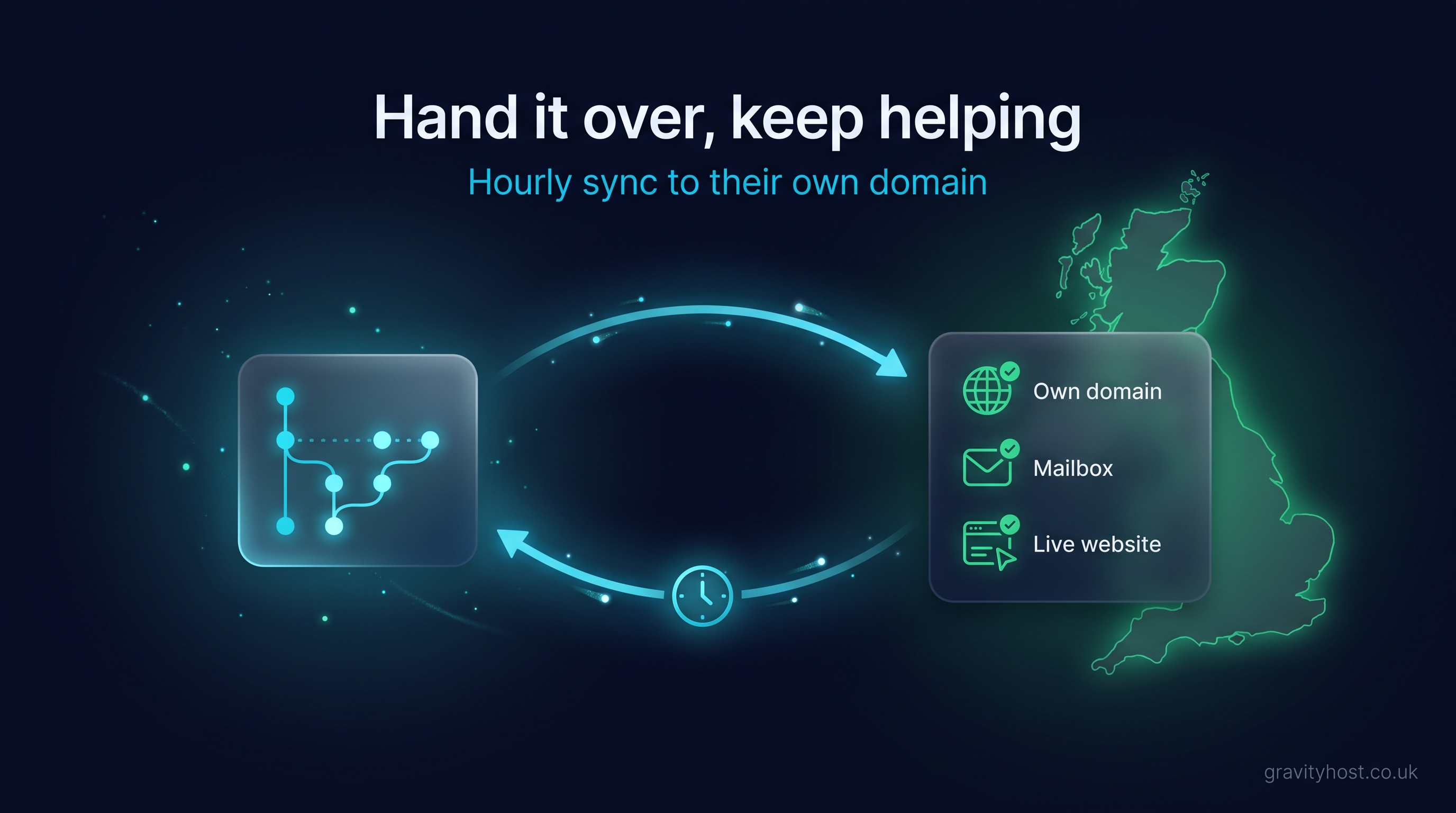
Yes: the published site can be copied onto the hosting your domain already points at, which leaves every DNS record exactly where it is. That was the lasting answer in the scenario above. The person building the site carries on publishing to GitHub Pages as before, and an hourly check copies whatever has changed onto the owner's hosting.
Gravity Host includes this with every hosting plan as GitHub Sync. You paste in the address the site is published at, on GitHub Pages, Netlify, Vercel, Cloudflare Pages or Lovable, and choose which hosting service to copy it to. The static files are checked before each copy, and if the site does not answer properly afterwards, the previous good version goes back automatically. Existing files with other names are never deleted, so a PHP form handler sits alongside the copied pages and keeps working.
| Repoint the domain | Sync the site onto your hosting | |
|---|---|---|
| DNS records edited | The bare domain's A records and the www CNAME | None |
| MX record | Needs its own entry first | Stays as it is |
| Mail app settings | Checked on every device | Unchanged |
| Where updates are published | The builder's usual place | The builder's usual place |
| When updates appear on your domain | As soon as the static host publishes | By the next hourly check |
| Contact form | A form service of your choice | A PHP handler on the same hosting |
Both routes work. Repointing suits someone comfortable in a zone editor who wants updates the moment they are published. Syncing suits a business whose email, domain and forms already live in one hosting account. Hosting at Gravity Host is £45 for the first year and £75 a year after that, with 15 GB of UK NVMe storage for the website and mailboxes, cPanel and daily backups.
Whichever route you take, do the two-minute lookup today. A domain's records are worth knowing before anyone asks you to change them.
Frequently asked questions
Will changing my A record stop my email?
It depends on where your MX record points. If the MX record names the bare domain, email is delivered to whatever address the bare domain's A record holds, so changing that A record for a new website redirects the email too. If the MX record names a separate hostname, such as mail.yourdomain.co.uk, or an outside mail service, the website's A record can change freely and email carries on arriving. Look up the MX record before any website move, and give email its own entry first if the two are shared.
What should an MX record point at?
An MX record should point at a hostname that has its own A record holding the mail server's IP address. It cannot contain an IP address directly, and the DNS standard RFC 2181 says the name must not be a CNAME alias. On a domain where the mailboxes live on cPanel hosting, mail.yourdomain.co.uk is the usual choice: an A record for mail holds the server's address, and the MX record names mail.yourdomain.co.uk with a priority of zero. Email then has an entry of its own that no website change will touch.
Where do messages go if an MX record leads to a server with no mail service?
They wait with the sender. A sending mail server that cannot connect to the address it was given holds the message in a queue and tries again at intervals. The mail standard, RFC 5321, says a sender should keep retrying for at least four to five days before giving up and returning the message to the person who wrote it. In practice the first sign is usually an empty inbox, followed days later by customers mentioning delay notices. Correcting the MX record during that window lets the queued messages through on the next retry.
Does the www record affect email?
No. The www record only tells browsers where to find www.yourdomain.co.uk, and email addressed to you@yourdomain.co.uk is routed by the MX record on the bare domain. That is why website instructions usually treat the two names differently: www receives a CNAME pointing at the static host, while the bare domain receives A records. The bare domain cannot be a CNAME, because a CNAME is not allowed to share a name with other records and the bare domain has to carry the MX record. The record to watch for email is the bare domain's A record, and only when the MX record points at it.
Do I still need hosting for email if my website is published somewhere else?
Yes, if your mailboxes are on that hosting. A mailbox is storage on a mail server, and the MX record is only the signpost to it. When a website moves to GitHub Pages, Netlify or a similar static host, the mailboxes stay where they were, and the hosting account that holds them needs to remain active for messages to be received, stored and sent. The same account can also run the PHP handler behind a contact form. Keeping the domain's MX record pointed at that server's own hostname is what keeps the two connected.
Does GitHub Sync change any DNS records?
No. GitHub Sync copies the published static files of a site onto your Gravity Host hosting, where your domain already points, so the A, MX and TXT records all stay as they are. It checks the published address every hour and copies only when something has changed, and you can choose Check now in your account for an immediate check. It works with sites published on GitHub Pages, Netlify, Vercel, Cloudflare Pages or Lovable, it copies static files only, and it is included with every hosting plan for up to three syncs per account.
Host it on Gravity Host
Fast UK NVMe hosting, free SSL, daily backups and support from a small UK team. Domains are priced separately, and the renewal price is shown before you buy.
What your hosting includes — Email at your own domain, free SSL, daily backups, website migration and one-click apps all come with every plan. See the full list.
See hosting plans