Home · Blog · Websites and tools
You built a friend's website on GitHub Pages. How do you hand it over?
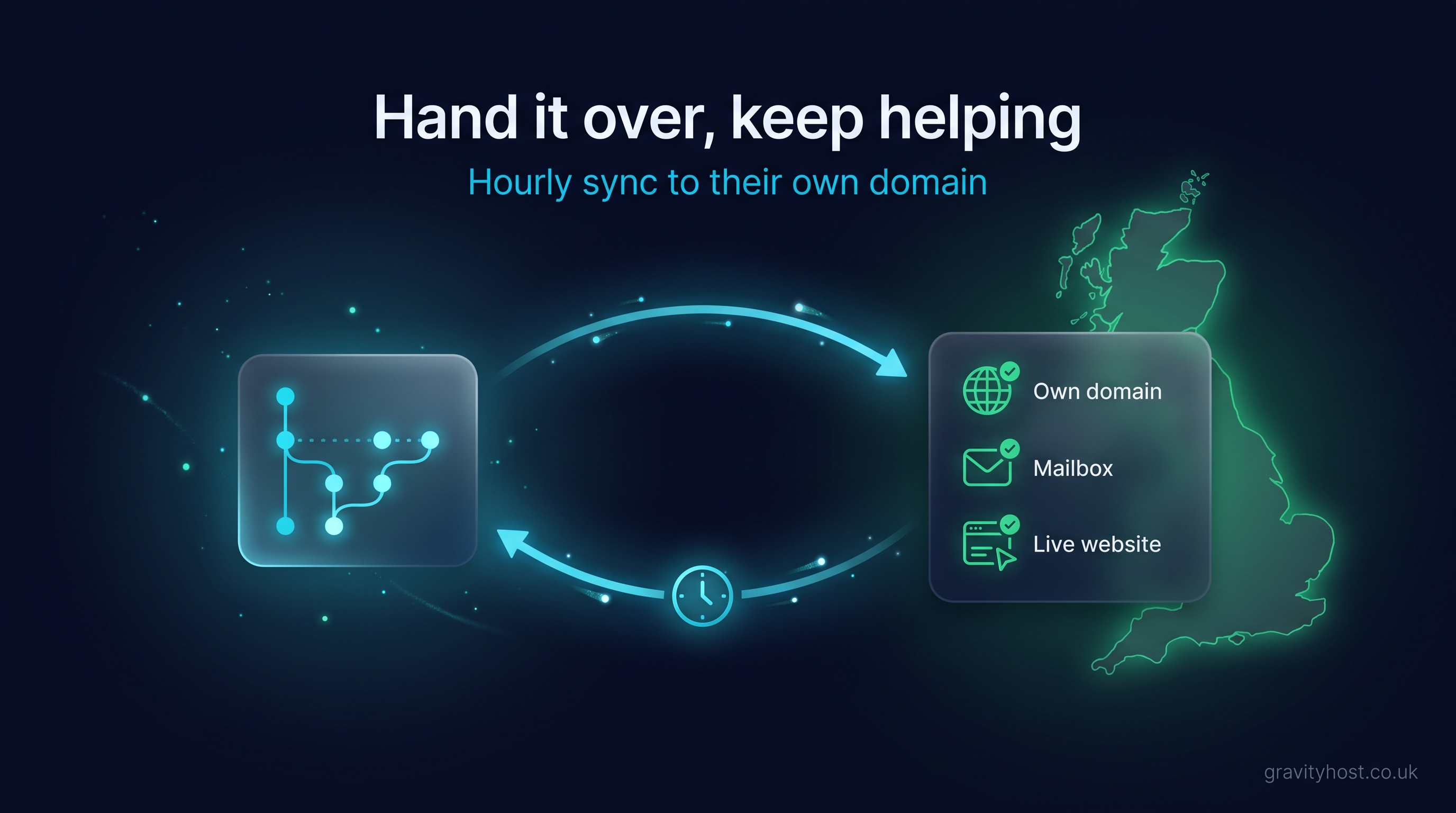
A website you built for a friend's business and published to GitHub Pages can be handed over without you stopping work on it. The friend takes their own domain and hosting, with a mailbox at their name and a form that reaches them. You keep pushing to the same repository, and an hourly sync copies each published change onto their hosting.
This is a situation that comes up a lot now. Someone with a bit of technical confidence builds a site for a friend's business, often with an AI tool, and publishes it to GitHub Pages under their own account because that is the quickest way to get it live. The friend is delighted, and then the requests start. A new phone number. A photo swap. Christmas opening hours. Each one lands with the builder, because the builder is the only person who can change anything. The friend would like to own the site properly; the builder would like to help without being the single point of failure. Those two wishes turn out to be compatible.
What does the business owner need to hold themselves?
Three things, and none of them is the code.
- The domain, registered in their name, in an account they can log into.
- The hosting the live site is served from, in their account, with daily backups taken for them.
- A mailbox at their own domain, so enquiries and the renewal reminders for the domain arrive somewhere they actually read.
The repository can stay with you. The person who makes the edits is the right person to hold the files, and the owner does not need a GitHub login or a lesson in commits. What the owner needs is for the live site to carry on existing if your account is closed, your laptop dies or you move on to other things.
The gap usually shows itself through the contact form. A GitHub Pages site is a set of static files, and a form on a static page needs something on a server to receive what the visitor typed and send it on. In the version of this story that prompted this article, the form had been built beautifully and pointed at nothing, and there was no mailbox at the business's domain for it to reach anyway. Both are things the owner's hosting provides.
How does a GitHub Pages site end up on the owner's own hosting?
Gravity Host includes GitHub Sync with every hosting plan. The owner pastes the published github.io address into their account and chooses which hosting service to copy it to. The first copy starts straight away. After that, the published site is checked every hour, and when something has changed the new static files are fetched, checked and copied onto the owner's hosting, where they are served at the owner's domain.
Nothing about your side changes. You keep editing in whatever tool you built it in, commit, push, and let GitHub Pages publish as it always has. By the next hourly check the change is live at the business's own address, and a Check now button in the owner's account covers the times a change cannot wait. The repository has to be public, and no GitHub password or token is handed over, because the sync reads the site as published, not the repository behind it.
What stops a bad push from taking the live site down?
Being on call for a site is only bearable if a mistake at eleven at night does not matter until morning. The sync runs safety checks around every copy.
- Only real changes are copied. If the published site has not changed since the last check, nothing happens.
- A blank or missing site is never copied over the live one. If GitHub Pages serves an empty page, or files are missing, the copy on the hosting stays as it was and the account shows why.
- After a copy, the live site is loaded. If it does not answer properly, the previous good version goes back automatically.
- Three failed checks in a row pause the sync, and the owner can resume it when ready.
- Files with other names are never deleted, so a PHP form handler, an .htaccess file or a WordPress install sitting alongside the static site stays put.
A half-finished push, or a repository deleted by accident while tidying up, leaves the business's site where it was. Fix it, push again, and the next check picks it up.
Who does what, before and after?
| Item | Before: GitHub Pages under your account | After: owner's domain and hosting, synced from GitHub |
|---|---|---|
| Domain | Often none yet, or pointed at the github.io address | Registered to the owner, in their own account |
| Where visitors see it | your-name.github.io/project | The business's own domain |
| Who edits the site | You | Still you, plus anyone the owner adds to the repository later |
| How a change goes live | Push, GitHub Pages publishes | Push, GitHub Pages publishes, hourly sync copies it to the hosting |
| Contact form | Needs a receiving endpoint | Posts to a small handler on the hosting, delivered to the owner's mailbox |
| Email at the domain | Not part of a static site | Mailboxes on the hosting, at the business's name |
| If you step back | The site depends on your account | The site stays on the owner's hosting; they can bring in someone else |
| Backups | Repository history | Repository history plus daily backups of the hosting |
How do you make the contact form work after the move?
The sync copies static files only and never uploads PHP, so the form handler is a separate, one-off job, best done the day the site moves. Create the mailbox first in cPanel. Then add a small PHP file to the hosting that accepts the form's POST, checks the fields and sends the message to that mailbox. Point the form's action at the file, push, and the next sync carries the changed HTML across while leaving the handler in place. In that order the first test message has somewhere to land.
Gravity Host hosting runs on NVMe storage in the UK, with cPanel, daily backups and mailboxes at the owner's domain included. 15 GB hosting is £45 for the first year and £75 a year after that, with GitHub Sync included.
What happens when you want to step back?
Nothing dramatic. The live site is on the owner's hosting, the domain is in their name and the email already works. Whoever takes over the editing can push to the same repository, or publish to another supported host and have the owner connect the new address. If nobody takes over for a while, the site keeps being served, the backups keep being taken, and the hourly check finds nothing to do. The owner can pause or remove the sync at any point and the hosted files stay in place.
Handing over is a change of where the site lives. It goes on being yours to edit for as long as you want to help. It stops being yours to keep alive.
Frequently asked questions
Does my friend need a GitHub account to use GitHub Sync?
No. The owner needs a Gravity Host account with an active hosting service and the published github.io address. The GitHub account and public repository can stay with you, the person who built it. No GitHub password or access token is handed over, because the sync reads the published site, not the repository. The owner connects the address once and the first copy starts straight away.
Can I keep using the AI tool I built the site with?
Yes. Carry on editing in the tool you know, whether that is ChatGPT, Claude, Lovable, Bolt or a text editor, and publish to GitHub Pages as before. The sync checks the published site every hour and copies any change onto your friend's hosting once it passes the safety checks. Only the address where visitors see the result changes.
What if I delete the repository or GitHub Pages stops serving the site?
The copy on your friend's hosting stays exactly as it was. The sync never copies a missing-site page or an empty page over the live site. The check history in the owner's account explains what happened, and after three failed checks in a row the sync pauses itself. When the published site is available again, the owner resumes it and the next successful check brings it up to date.
Can the sync be used with Netlify, Vercel, Cloudflare Pages or Lovable as the source?
Yes. GitHub Sync accepts a published site at a github.io, netlify.app, vercel.app, pages.dev or lovable.app address. The site needs to be published and publicly reachable, and for GitHub Pages the repository must be public. Any static site generator works, including Next.js static export, Astro, Hugo, Jekyll or plain HTML, because the sync copies the site as served.
Will the sync overwrite files already on the hosting?
Only the copied static files are updated. Existing files with other names are never deleted, so a PHP form handler, an .htaccess file or a WordPress install alongside the static site stays put, and PHP files are never uploaded by the sync. If the owner already runs WordPress on the same hosting, the static site can be synced into a separate folder. Up to three syncs can be connected per account.
Does my friend have to learn anything technical to own the site?
Very little. They log in to their Gravity Host account, paste the published address into GitHub Sync and choose the hosting service to copy to. From then on they can read what each hourly check did, pause and resume the sync, and press Check now. Creating a mailbox at their domain is a short task in cPanel. Editing stays with whoever holds the repository, which can be you for as long as you like.
Host it on Gravity Host
Fast UK NVMe hosting, free SSL, daily backups and support from a small UK team. Domains are priced separately, and the renewal price is shown before you buy.
What your hosting includes — Email at your own domain, free SSL, daily backups, website migration and one-click apps all come with every plan. See the full list.
See hosting plans