Free SSL and HTTPS: what the padlock does for your small business website

A free SSL certificate gives a small business website three things at once: the padlock in the visitor's address bar, encryption for every form and payment that passes through the site, and a modest but genuine advantage in search. On well-run hosting the certificate is issued automatically, renews itself without anyone touching it, and costs nothing — every Gravity Host plan includes free SSL as standard. This guide explains what SSL and HTTPS actually do, why browsers and search engines care so much about them, and how to check in five minutes that your own site is set up properly.
What an SSL certificate actually does
An SSL certificate — strictly speaking a TLS certificate these days, though almost everyone still says SSL — does three jobs for a website:
- Encryption. Everything sent between a visitor's browser and your server is scrambled in transit. A contact form, a login, a card number typed at checkout — none of it travels across the internet in readable form.
- Identity. The certificate proves to the browser that the server really is the one for your domain, so a visitor typing your address ends up talking to your site and not an impostor.
- Integrity. Content can't be altered on the way to the visitor. What your server sends is what their browser receives.
HTTPS is simply HTTP with that certificate in place — the S stands for secure. When the certificate is valid and every part of the page loads over it, the browser shows the padlock.
Why the padlock matters to visitors
The padlock does its best work before a visitor has consciously noticed it: the page loads, nothing warns them, and they carry on. Browsers have made the alternative very visible. Google Chrome has marked every plain-HTTP page with a "Not secure" label in the address bar since 2018, and other major browsers behave similarly — the label appears right next to your business name, on every visit, and becomes more prominent the moment someone starts typing into a form.
A certificate that has expired or been misconfigured is treated more sternly still: the browser interrupts with a full-screen warning that most visitors quite sensibly refuse to click through. This is why automatic renewal matters as much as the certificate itself — a certificate someone has to remember to renew is a certificate that will one day be forgotten.
HTTPS and how search engines treat your site
Search engines reward encrypted sites. Google announced on its Search Central blog back in August 2014 that HTTPS is a ranking signal — a lightweight one, but a real one, and one of the few you can satisfy completely in an afternoon. Just as usefully, HTTPS keeps referral information intact, so your analytics can tell you where visitors actually came from.
There is a speed benefit too. Browsers only support the newer HTTP/2 protocol over an encrypted connection, and HTTP/2 lets a page fetch many files in parallel over a single connection. Paired with fast storage — Gravity Host runs UK NVMe servers — that adds up to noticeably quicker page loads, which search engines also measure.
Free certificates and paid certificates
The encryption in a free certificate is exactly as strong as the encryption in a paid one — the mathematics does not know what was paid for it. What varies is the level of vetting behind the certificate:
- Domain-validated (DV) certificates confirm control of the domain and nothing more. This is what free certificates from Let's Encrypt — the non-profit certificate authority set up to make encryption universal — and from cPanel's AutoSSL provide. They are issued in minutes and renew automatically, typically every ninety days.
- Organisation-validated (OV) and extended-validation (EV) certificates add a manual check that the company behind the domain is a registered legal entity, and record those details inside the certificate. Larger firms sometimes need them for compliance or insurance reasons.
For the overwhelming majority of small business websites, a free, automatically renewed DV certificate is the right choice: same padlock, same encryption, zero admin. This is why free SSL belongs on any hosting shortlist as a standard feature rather than an optional extra.
A five-minute HTTPS health check
Checking your own site takes one browser and five minutes:
- Visit the site with
https://in front of the address. The padlock should appear with no warnings. - Now try
http://— the plain version. It should redirect you to the HTTPS address automatically. If both versions load separately, search engines see duplicate sites and visitors can land on the unencrypted one. - Test both
wwwand non-wwwaddresses. The certificate should cover both, and both should end up at one canonical address. - Look for mixed content. If the page is HTTPS but an image, stylesheet or script inside it still loads over plain HTTP, the browser downgrades or hides the padlock. The fix is straightforward: update those addresses to HTTPS in your pages or theme settings.
- Confirm renewal is automatic. In cPanel, the SSL/TLS Status page shows every domain, its certificate and its expiry date. With AutoSSL enabled, renewal happens on its own well before expiry.
Reading the symptoms
| What you see | What it usually means | What to do |
|---|---|---|
| "Not secure" label | The page is loading over plain HTTP | Install a certificate and redirect HTTP to HTTPS |
| Full-screen browser warning | The certificate has expired or doesn't match the domain | Reissue via AutoSSL, or ask your host to — then enable automatic renewal |
| Padlock missing on one page only | Mixed content — something on that page loads over HTTP | Find the HTTP address in the page and change it to HTTPS |
Works without www, warns with it | The certificate covers one form of the domain but not the other | Reissue covering both, and redirect to your preferred address |
What to look for in a hosting plan
Certificates are one of those features where the hosting does the work so you never think about it. A plan that handles HTTPS properly gives you:
- Free SSL included on every plan, covering the main domain,
wwwand subdomains; - Automatic issue and automatic renewal, so expiry warnings simply never happen;
- An easy way to force HTTPS site-wide, so every visitor lands on the encrypted version;
- A control panel that shows certificate status at a glance.
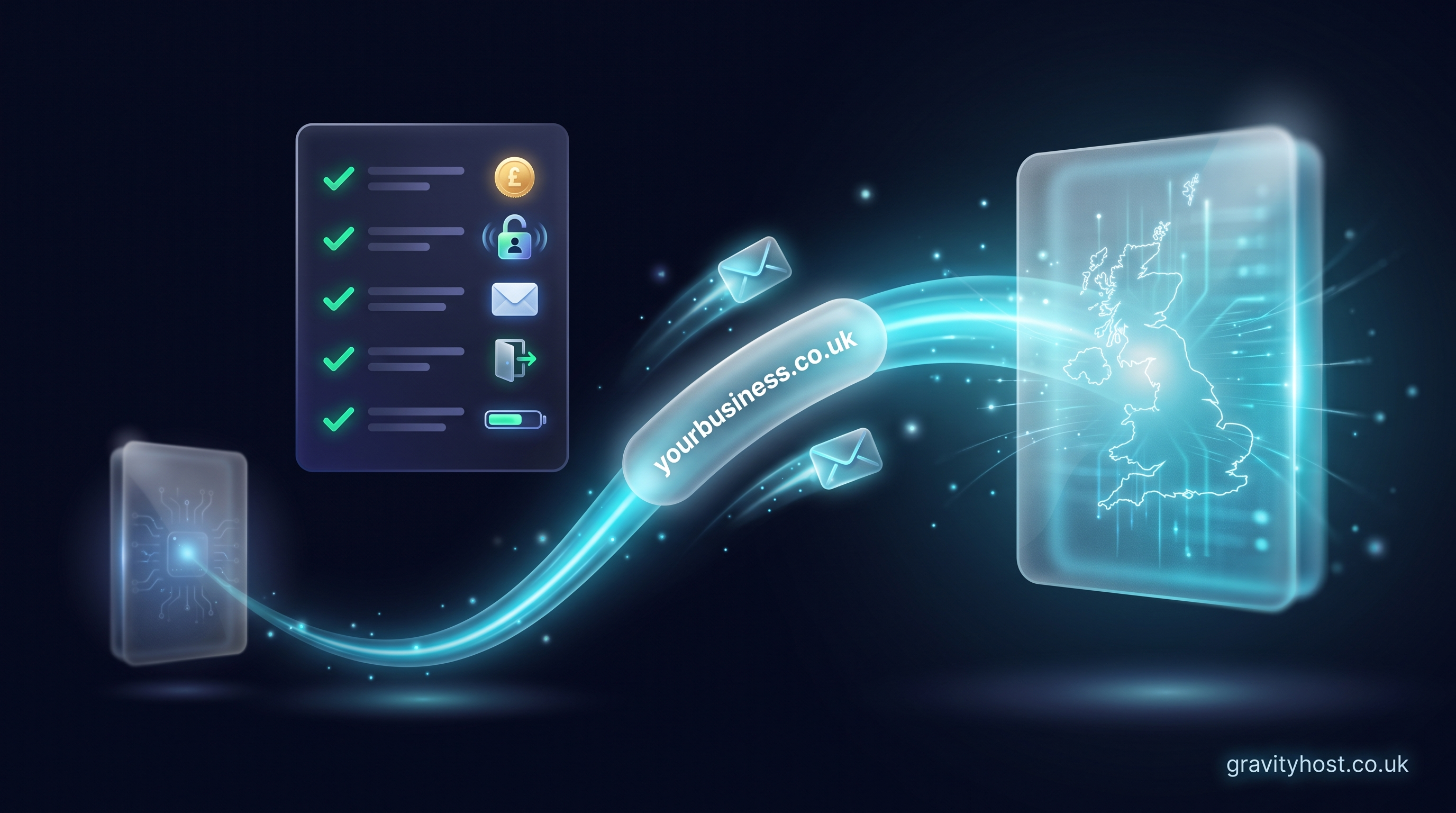
Every Gravity Host plan ticks all four: free SSL issued and renewed automatically through cPanel, on UK NVMe servers with daily backups and one-click app installs, from £75 per year. Whether the site is a WordPress build, an online shop or a hand-written brochure page, it gets the padlock from day one.
The outcome
With HTTPS in place, visitors see your business name next to a padlock rather than a warning, every enquiry and payment travels encrypted, search engines take the site that little bit more seriously, and renewals take care of themselves in the background. It is one of the rare jobs on a website owner's list that can be finished completely — set up once on good hosting, it just keeps working.
Host it on Gravity Host
Fast UK NVMe hosting, free SSL, daily backups and support from a small UK team. Domains are priced separately, and the renewal price is shown before you buy.
What your hosting includes — Email at your own domain, free SSL, daily backups, website migration and one-click apps all come with every plan. See the full list.
See hosting plans