
We Make Cancellation Simple
We don't believe in making it difficult to leave. If you need to cancel, just open a support ticket and we'll take care of it.
How to Cancel
- Go to your Support page
- Open a new ticket with the subject "Cancellation Request"
- Tell us which service(s) you want to cancel
- We'll confirm and process it within 1 business day
What Happens When You Cancel?
- Hosting: Your account remains active until the end of your paid period. We don't offer partial refunds for unused time, but you can use the service until it expires.
- Domains: Domain registrations cannot be refunded (this is an industry-wide policy). Your domain remains registered until its expiry date. You can transfer it to another registrar if you wish.
- Data: We keep backups for 30 days after cancellation. After that, all data is permanently deleted.
Before You Cancel
- Download your files — Use File Manager or FTP to save your website files
- Export your database — Use phpMyAdmin to export your databases
- Save your emails — Download any important emails from Webmail
- Transfer your domain — If you want to keep your domain, transfer it to another registrar first
Changing Your Mind?
If you change your mind within 30 days of cancellation, contact us and we can usually restore your account from backups at no extra charge.
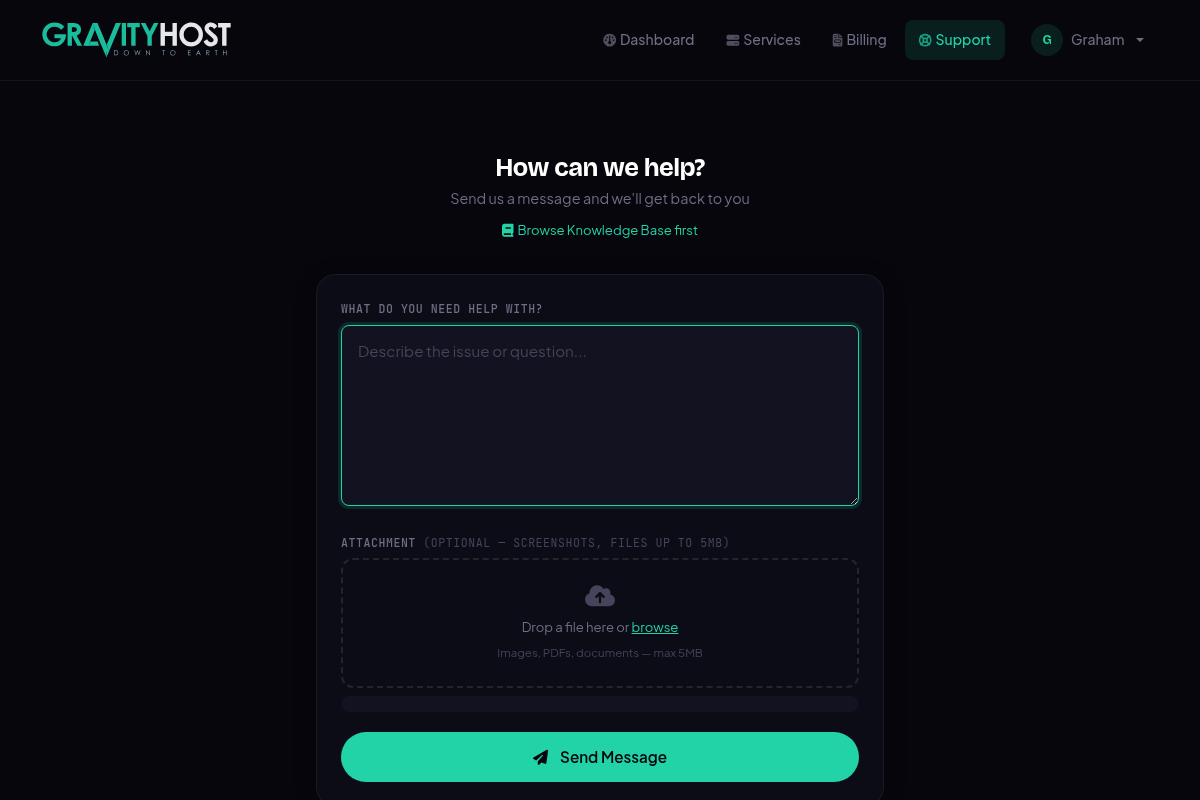
Open a support ticket to request cancellation